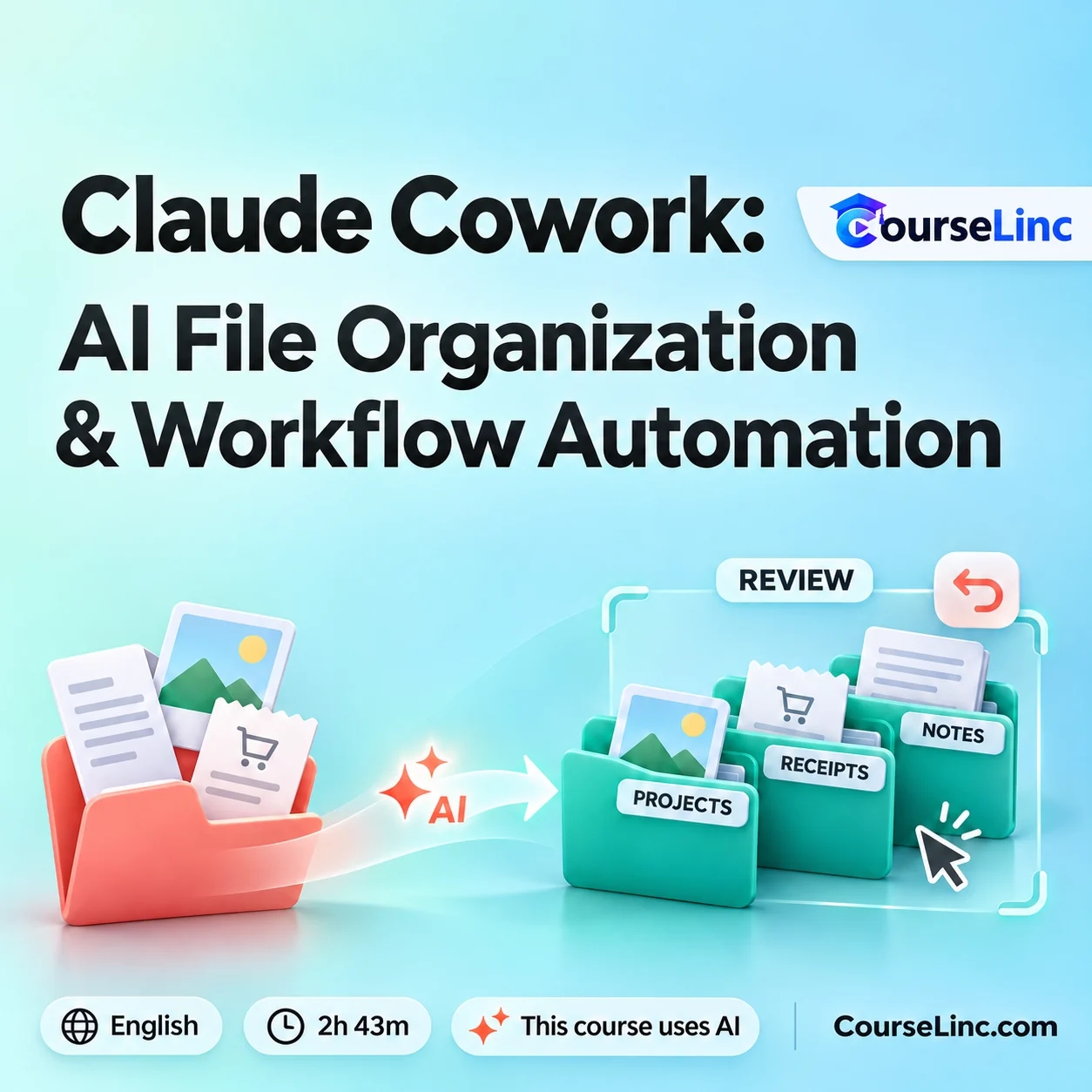
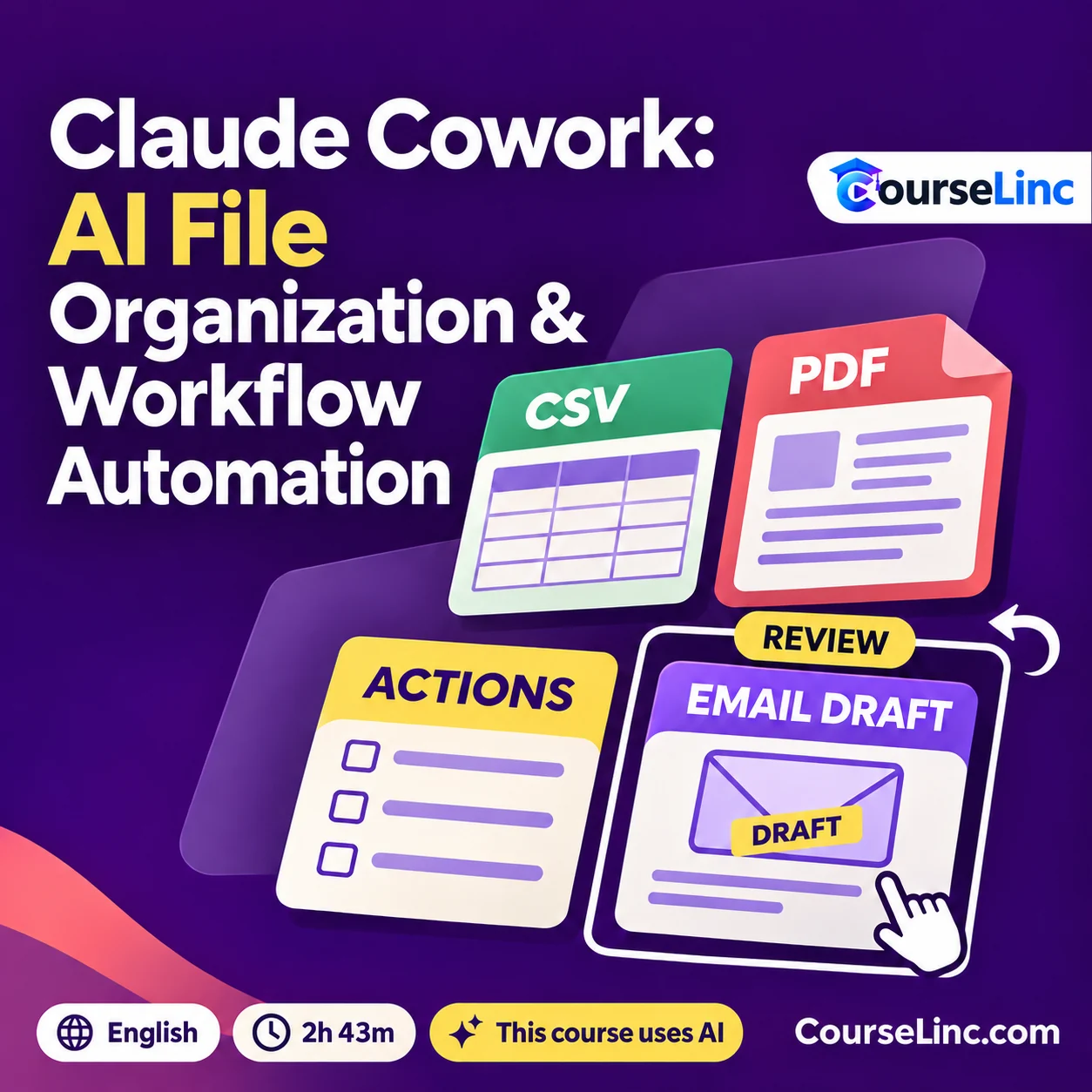


Claude Cowork: AI File Organization & Workflow Automation
Explore Claude Cowork for file organization, CSVs, meeting actions, research, reports and workflow automation, with safe delegation and review.
2h 43m • English • Full HD
This course uses artificial intelligence.
Course Overview
Claude Cowork: AI File Organization & Workflow Automation
Organize files. Build a repeatable workflow.
Learn Claude Cowork for file organization and workflow automation across everyday professional tasks. Explore setup, safe delegation and control, then connect file handling, information processing and reporting with a personal automation system.
Work through practical uses involving local files, research, notes and business documents. Bring activity review and handling mistakes into the workflow as you develop your own action plan.
This course uses artificial intelligence.
Claude Cowork: 6 practical workflow areas
Connect individual tasks with repeatable workflows while keeping review and control part of the process.
Set up Cowork and delegate safely
Install and configure Cowork, then explore safe delegation and control. Consider how to organize your involvement as you ask it to work on professional tasks.
Organize downloads and folders
Explore download sorting, bulk renaming and folder rules. Connect file-organization tasks with a repeatable approach to arranging the files and folders you work with.
Turn documents into usable information
Work with receipts and documents to create CSV output. Explore turning meeting notes into prioritized actions that can inform your next steps.
Research and prepare reports
Explore background web research, market analysis and PDF reports. Connect research tasks with the information you need to prepare a useful report.
Support everyday project workflows
Work with sprint reports, draft emails and a local knowledge base. Bring recurring communication and information tasks into your approach to workflow automation.
Build and review your automation system
Develop a personal automation system and action plan. Explore reviewing activity logs and undoing mistakes within the workflows covered, alongside ongoing control of delegated tasks.
Explore the course details
Requirements and starting point
You will need a Mac or Windows computer, a Claude account with Cowork access, and basic familiarity with files and folders. No coding or prior automation experience is required.
Who it is for and how the tasks connect
Claude Cowork is relevant to busy professionals, freelancers, business owners, project managers and nontechnical learners. The course connects file organization, research, reporting and communication tasks with a personal automation system and an action plan for applying the workflows.
Course format and AI disclosure
- Duration
- 2 hours 43 minutes
- Language
- English
- Video
- MP4 / H.264, 1920 x 1080
- Audio
- AAC, 44.1 kHz, 2 channels
This course uses artificial intelligence.
Explore related Office Productivity courses or browse more IT & Software courses on CourseLinc. For product reference, see the official Claude Cowork getting-started guide.