
Microsoft Word 365: Advanced
Word 365 Advanced covers complex layouts, long documents, templates, macros, fields, properties and fillable forms, with downloadable instructor files and exercise files to follow along.
41 lectures • 4h 13m • Expert • English • Full HD
Course Overview
Microsoft Word 365: Advanced
Build structure into complex documents.
Word 365 Advanced explores the tools behind structured layouts, long documents, reusable workflows and fillable forms. Connect page design and section control with fields, dynamic document properties and advanced organization features.
Follow practical lessons on managing complex documents, handling repetitive tasks and maintaining consistency. The course also covers document protection and security settings as part of working with Word.
Word 365 Advanced: 6 connected skill areas
Connect layout, document structure and reusable tools with the needs of professional and academic documents.
Control page layout
Explore the Layout tab, margins, orientation, columns and spacing. Use page and section breaks to organize the layout of a document and its different parts.
Organize sections and long documents
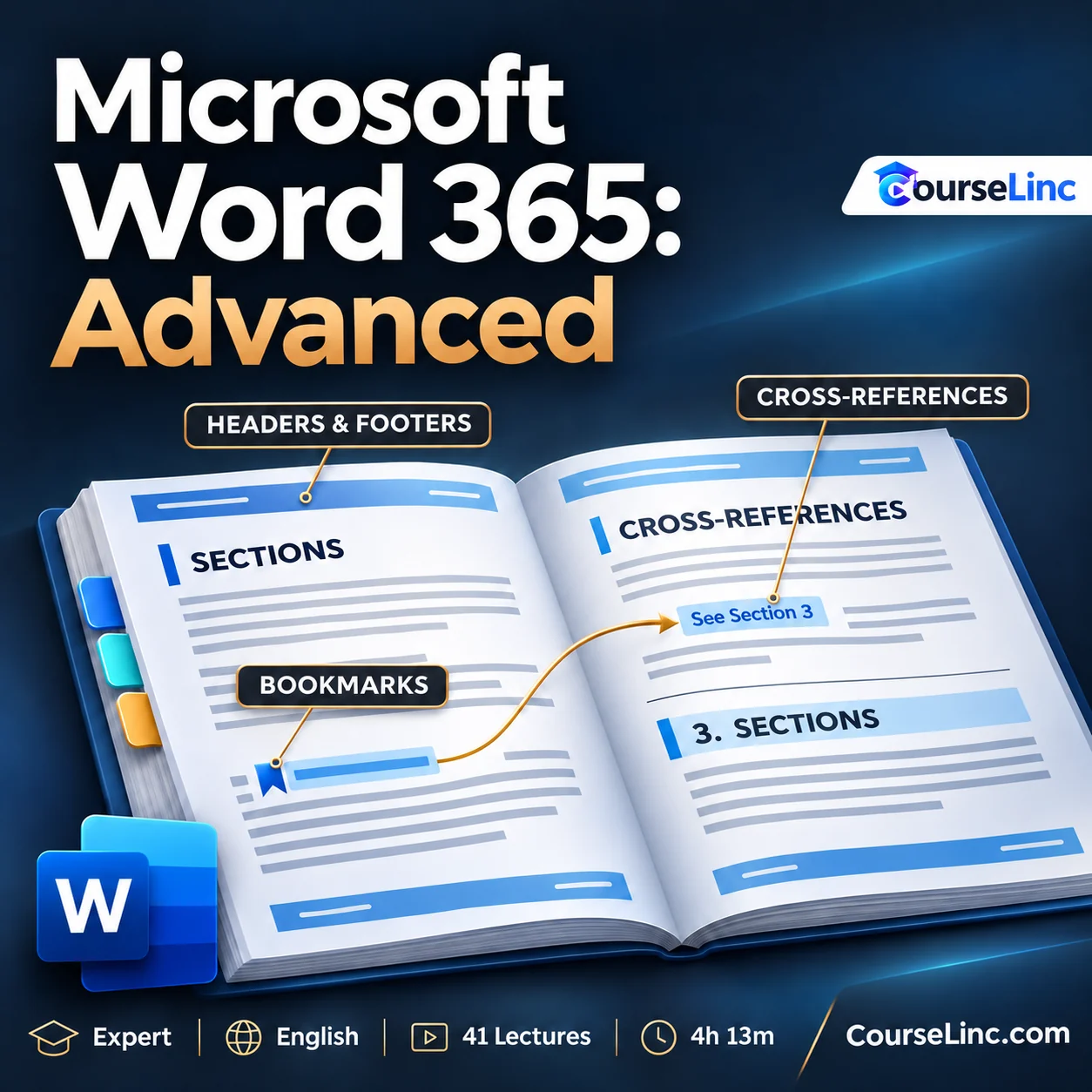
Work with section-specific headers and footers alongside long-document organization. Explore bookmarks and cross-references to connect information and navigate structured documents.
Reuse templates and macros
Explore templates and macros for repetitive tasks. Connect reusable document structures with automation methods that support recurring work and more consistent document preparation.
Work with fields and dynamic properties
Use fields and dynamic document properties to manage recurring information. Explore how these tools support consistency and updates as a document changes.
Create fillable forms
Explore the Developer tab and content controls to build fillable forms. Work with varying inputs and consider how a form structures the information people provide.
Explore protection and security settings
Learn about the Trust Center, document protection and security settings. Examine these topics as part of managing documents and the settings that govern their use.
Explore the course details
Included learning files and course coverage
Word 365 Advanced includes downloadable course instructor files and exercise files to follow along with the lessons. Templates are covered as a Word feature alongside macros, fields, properties and forms.
The practical topics connect recurring office tasks with complex document needs, from page and section layout to references and dynamic information.
Starting point and who it is for
You should be able to create, edit, save and format Word documents and have basic computer and file-management skills. Experience with a recent version of Word or Word 365 is recommended. Use your own Word 365 access on Windows or Mac for the exercises. Menus and feature availability can differ between Windows and Mac.
No prior experience with advanced macros, forms or automation is needed. Course level: Expert.
Word 365 Advanced is for professionals, administrators, executive assistants and office staff; students, educators and researchers handling reports, dissertations or papers; business users working with macros, templates and properties; and collaborators seeking organized, consistent documents.
Course format
- Duration and structure
- 4 hours 13 minutes / 41 lectures
- Language and level
- English / Expert
- Video
- MP4 / H.264, 1920 x 1080
- Audio
- AAC, 44.1 kHz, 2 channels
Explore related Office Productivity courses or Microsoft Word courses on CourseLinc. For product reference, see Microsoft’s guidance on Word forms and macros.