

Claude for Slack: AI, Claude Slack, Automation, MCP, Skills
Explore Claude for Slack workflows with MCP, Projects, Skills, canvases, files, research, reporting and Cowork, supported by a library of 50+ prompts.
17 lectures • 1h 42m • All Levels • English • Full HD
Course Overview
Claude for Slack: AI, Claude Slack, Automation, MCP, Skills
Connect team communication with reusable workflows.
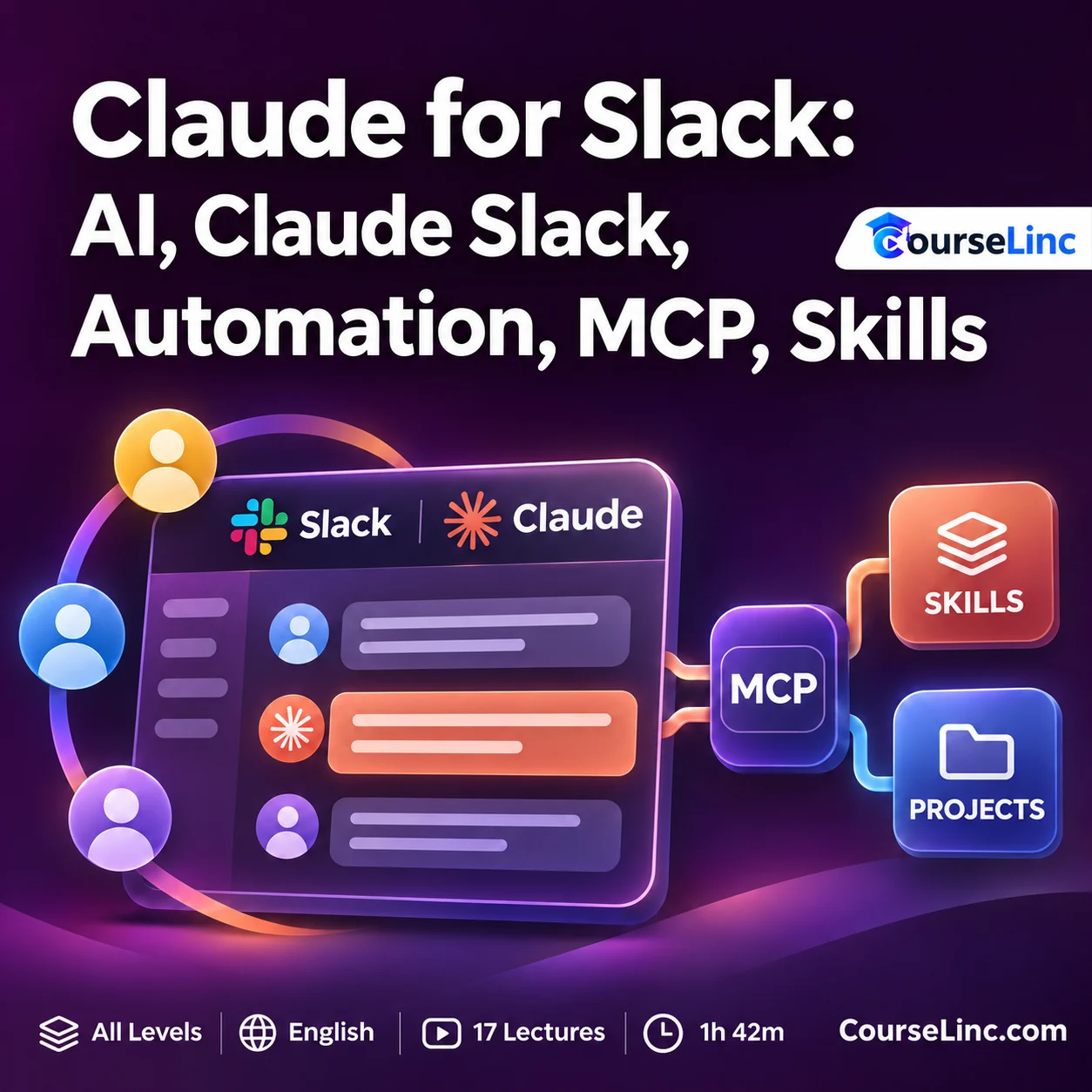
Claude for Slack explores ways to connect AI assistance with team communication and recurring Slack tasks. Follow course workflows involving Slack setup, an MCP connection, Claude Projects, custom Skills and Cowork.
The syllabus spans communication, file handling, canvases, research and scheduled posting, alongside a library of 50+ prompts for Slack scenarios. The lessons connect several Claude and Slack experiences across a broader workflow.
Claude for Slack: 6 connected workflow areas
Explore connected tasks for communication, organization and reporting through the course examples.
Set up Slack and the MCP connection
Explore Slack setup and connecting Claude through MCP without coding. Follow the course approach to preparing the connection used in its Slack-oriented workflows.
Work with messages, files and canvases
Explore searching, drafting, posting and uploading through Claude. Learn about creating a Slack canvas and sharing it with a channel as part of the course workflows.
Create a Claude Project for Slack tasks
Set up a Claude Project around Slack tasks. Consider how a dedicated project can organize the context and work involved in recurring team communication.
Reuse Skills and a prompt library
Explore custom Skills for repeated Slack tasks, alongside 50+ prompts for Slack scenarios. Connect reusable instructions with the communication and workflow tasks you want to address.
Explore Cowork posting workflows
Explore scheduled posting using Cowork, plus reading a file and posting to Slack. Examine how these tasks fit into the setup demonstrated in the course.
Research and prepare channel reports
Explore deep research and posting reports to a Slack channel. Relate research and reporting workflows to the information a team or client needs.
Explore the course details
Tools, course topics and prompt library
Claude for Slack covers connector/MCP workflows in Claude, Claude Projects and Skills, Cowork workflows, and Claude Tag inside Slack. The course discusses Claude Pro features in relation to higher limits and control.
A library of 50+ prompts supports Slack scenarios. The course introduces Claude Tag for team search and answers inside Slack.
Starting point and who it is for
You will need a Slack workspace, free or paid, a Claude account, and an internet-connected device. No coding or technical background is required. Course level: All Levels.
Cowork scheduling and Pro features require an eligible paid Claude plan. Claude Tag requires eligible Team/Enterprise access and organization setup. Connector setup also requires workspace authorization.
Claude for Slack is relevant to small-business owners, marketing and social-media managers, freelancers handling client communication, team leads preparing reports, and Slack users who want to explore approaches to repetitive tasks.
Course format
- Duration and structure
- 1 hour 42 minutes / 17 lectures
- Language and level
- English / All Levels
- Video
- MP4 / H.264, 1920 x 1080
- Audio
- AAC, 44.1 kHz, 2 channels
Explore related Office Productivity courses or Claude courses on CourseLinc. For product reference, see the official Slack connector overview and Claude Tag guide.