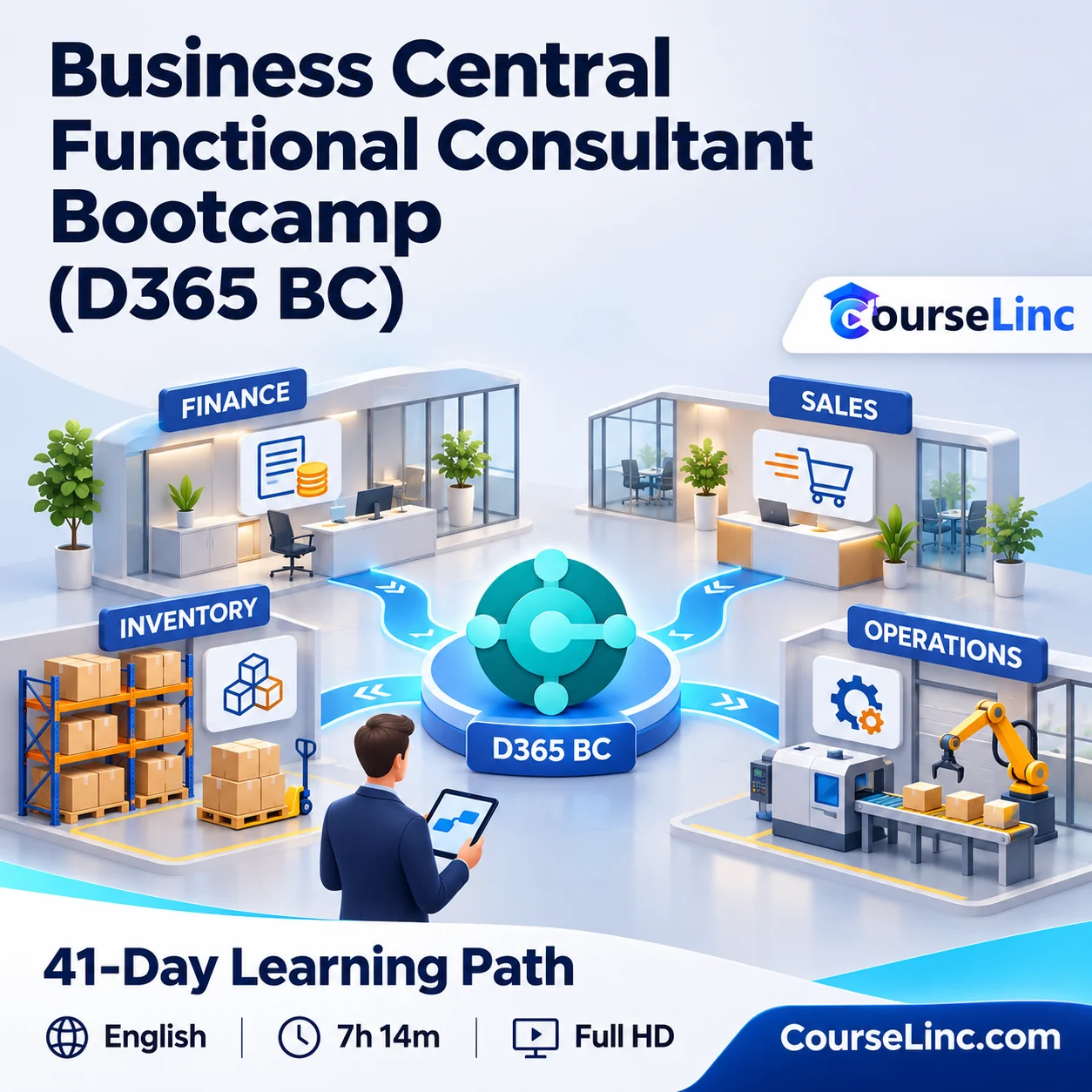
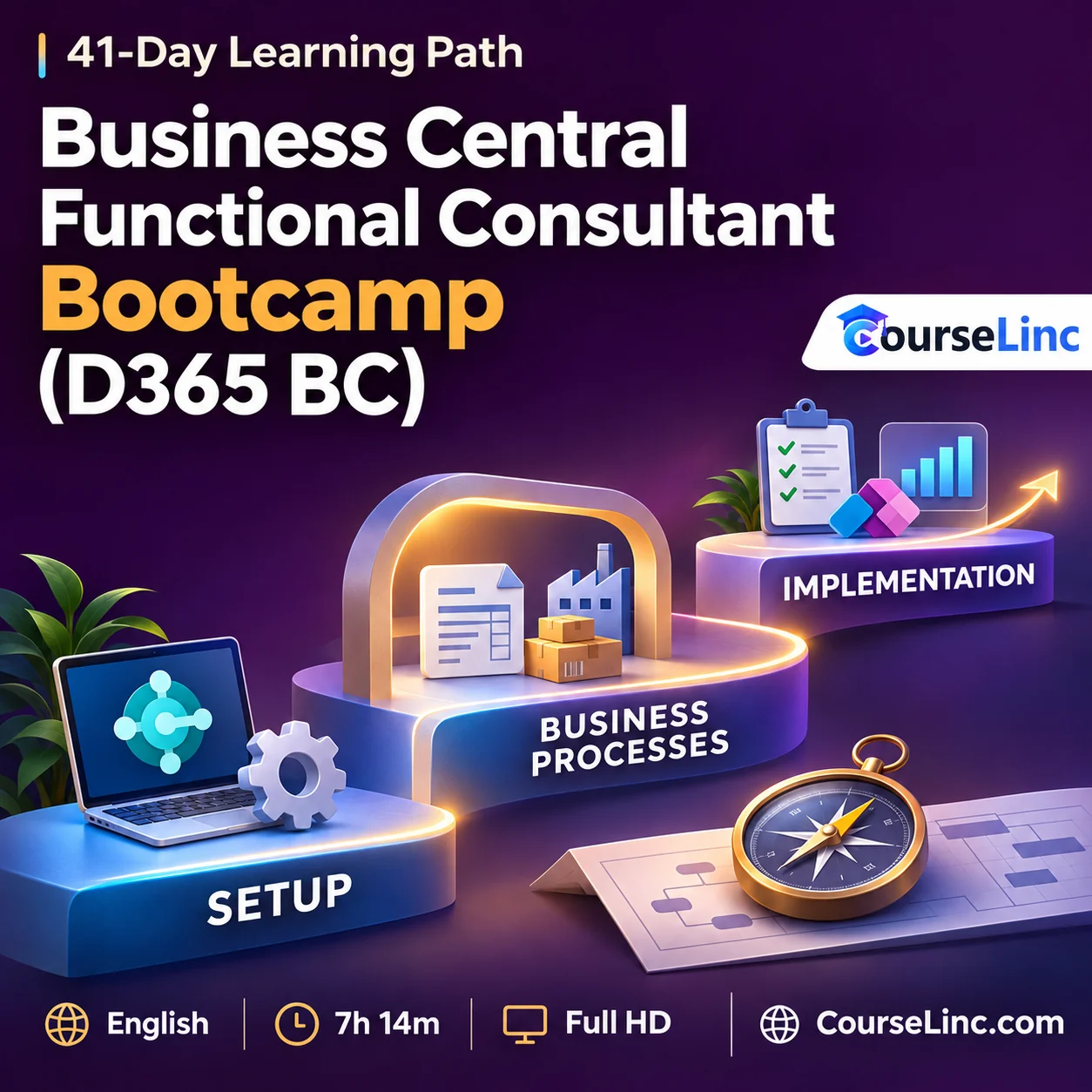
Business Central Functional Consultant Bootcamp (D365 BC)
Explore the Business Central Bootcamp through ERP, functional consulting, finance, sales, purchasing, inventory, payments, reporting, integrations, security and practical implementation scenarios.
7h 14m recorded video • 41-day learning path • English • Full HD
Access to a Business Central sandbox is required for the practical exercises.
Course Overview
Business Central Functional Consultant Bootcamp (D365 BC)
Study ERP processes through a functional consultant’s lens.
The Business Central Bootcamp pairs 7h 14m of recorded video with a 41-day learning path. Explore ERP fundamentals, consulting skills and the business processes involved in navigating and configuring Dynamics 365 Business Central.
Practical exercises, solutions, business scenarios and implementation cases support the learning path. Work toward a final practical project while studying core operations, reporting, integrations, security and additional MCP and AI-agent topics.
Business Central Bootcamp: 6 connected skill areas
Build familiarity with the consulting role, application setup and the business workflows covered by the roadmap.
Understand functional consulting
Explore ERP fundamentals, the functional-consulting role, consulting skills and project-management skills. Study how business processes shape the questions a consultant considers during application work.
Navigate and configure Business Central
Learn to navigate and configure Business Central and set up customers, vendors, items and financial accounts. Relate these setup topics to the business processes discussed in the course.
Work through core business operations
Study sales, purchasing, inventory and payments through business scenarios. Consider how these operational areas fit together within the application and the functional consultant's work.
Explore finance, projects and manufacturing
Follow financial-management topics alongside project management and accounting. Explore manufacturing fundamentals as part of the broader ERP process coverage in the study path.
Develop reporting and integration knowledge
Study reporting, analytics and Power BI, followed by Power Apps integration and Power Automate workflows. Explore these areas as parts of the functional-consulting roadmap.
Practice security and implementation topics
Explore security and access management alongside implementation cases. The Business Central Bootcamp includes practical exercises and solutions, business scenarios and a final practical project to bring the learning together.
Explore the course details
Complete 41-day study roadmap
The Business Central Bootcamp roadmap organizes study and practice across 41 days; the recorded video duration is 7h 14m.
- Days 1–3: Functional consulting fundamentals
- Days 4–6: BC navigation/business processes
- Days 7–9: Consulting/project management skills
- Days 10–12: Financial management
- Days 13–15: Sales/purchasing
- Days 16–18: Inventory
- Days 19–21: Project management/accounting
- Days 22–24: Reporting/analytics/Power BI
- Days 25–27: Manufacturing fundamentals
- Days 28–30: Power Apps integration
- Days 31–33: Power Automate/workflows
- Days 34–36: Security/access management
- Days 37–39: Implementation cases
- Day 40: Certification guidance
- Day 41: Final practical project
Additional MCP and AI-agent topics and practice
Additional Business Central Bootcamp topics cover BC MCP use cases and AI agents with Microsoft Copilot Studio. These are additional topics alongside the 41-day roadmap.
The course uses practical exercises with solutions, business scenarios, implementation cases and a final project. Day 40 provides certification guidance as part of the learning path.
Practice requirements, audience and course format
Access to a Business Central sandbox is required for practice, together with a computer, internet access and a modern browser. No prior experience is required.
The Business Central Bootcamp is relevant to aspiring functional consultants, beginners and career changers, finance and accounting learners, business analysts and ERP implementation teams, Business Central users and ERP consultants.
- Recorded video
- 7 hours 14 minutes
- Study path and language
- 41-day learning path / English
- Video
- MP4 / H.264, 1920 x 1080
- Audio
- AAC, 44.1 kHz, 2 channels
Explore related IT & Software courses or browse Business courses on CourseLinc. For product reference, see Microsoft’s Business Central documentation and Copilot Studio agent-integration reference.