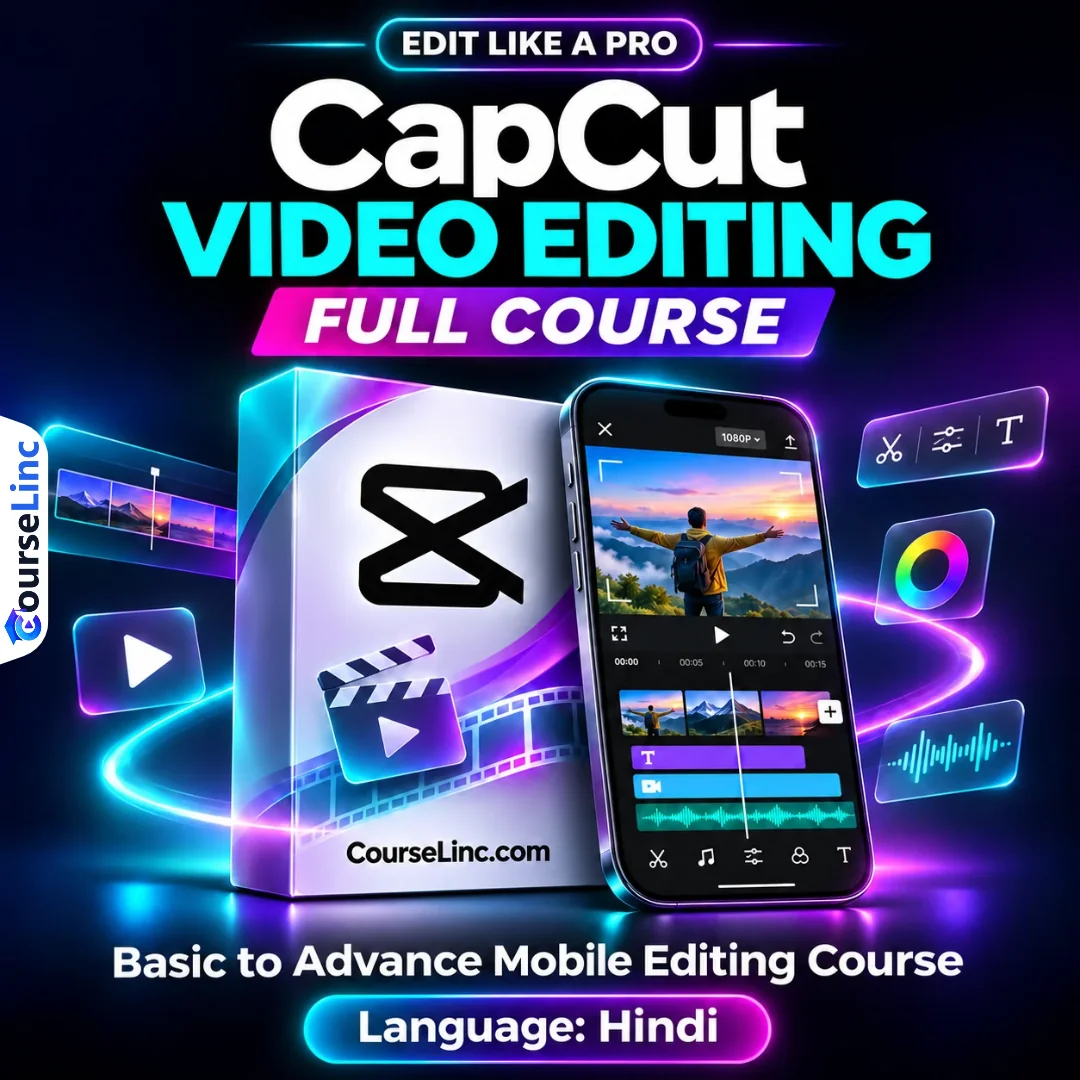
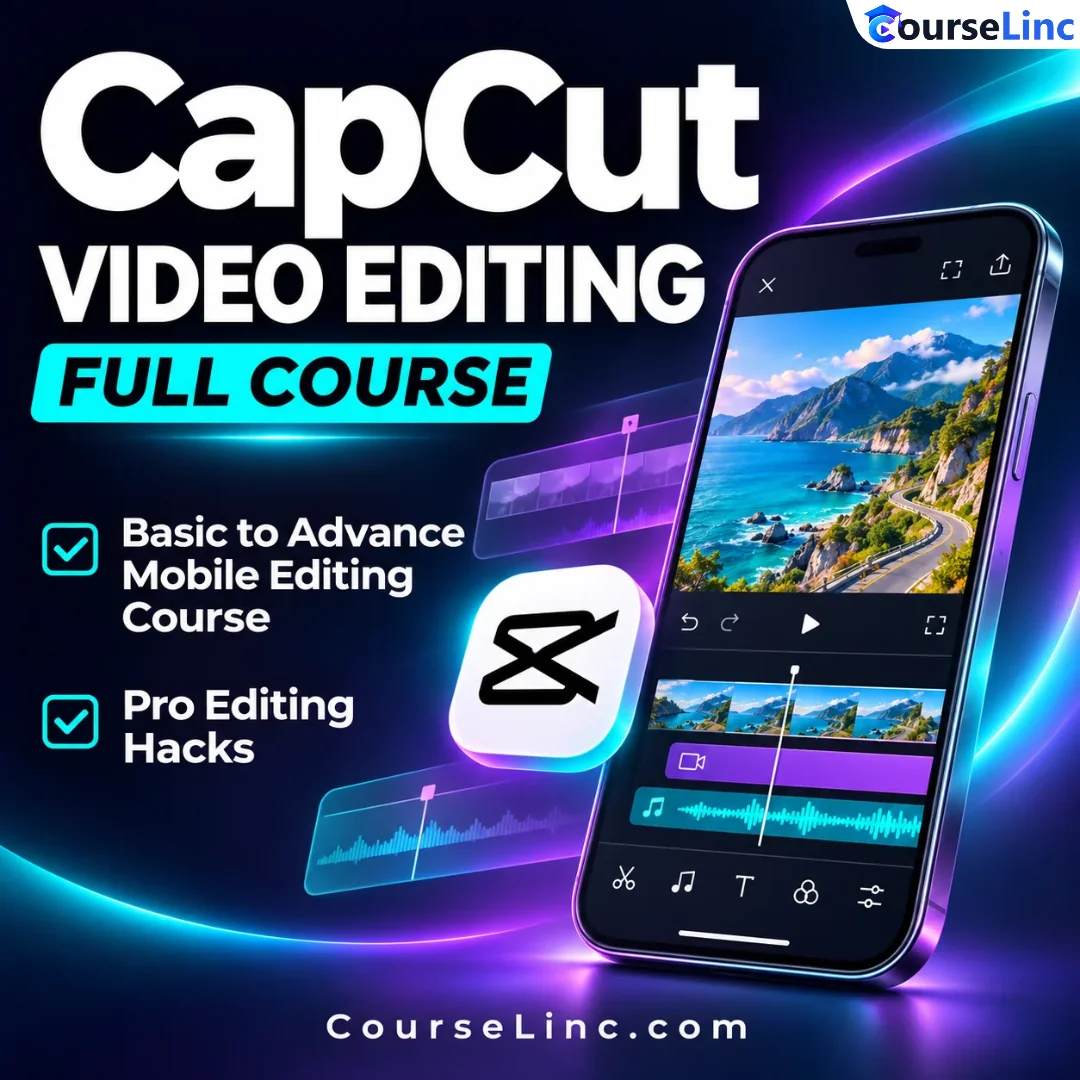
CapCut Video Editing Full Course
Learn CapCut Video Editing. Create Reels, YouTube videos and cinematic Shorts on your phone.
Practice cuts, velocity, keyframes, masking, color grading, audio, auto-captions and advanced text animation. Follow practical edits and pro editing hacks.
Course Overview
CapCut Video Editing Full Course
Build your mobile editing skills, one technique at a time.
CapCut Video Editing Full Course takes you from basic editing tools to advanced mobile techniques, with instruction in Hindi. Learn to shape Instagram Reels, YouTube videos and cinematic Shorts directly from your phone.
Begin with the interface and basic cuts, then explore speed controls, overlays, color, masking, sound, captions and motion. The learning path combines individual tools with practical editing so you can bring the different parts of an edit together.
Hindi instruction · Mobile editing · Basic to advanced
CapCut Video Editing: 6 skill areas
Follow the progression from a simple cut to layered, animated mobile videos.
Start with the mobile editing tools
Learn the CapCut interface and the basic editing tools before moving into advanced techniques. Work from the essential cuts that shape a sequence, then build an understanding of how the different editing controls fit into a mobile workflow.
Shape speed, curves and velocity
Explore speed, curve and velocity editing to change the rhythm of your footage. This part of the course connects the basic edit with the timing choices used in short-form content, helping you think about pace as part of the overall video.
Build layers and control the background
Study overlays, duplication, masking, background removal and other distinctive tools. Learn how these topics contribute to more developed edits as you move beyond a single straightforward clip and explore the creative possibilities of mobile video composition.
Refine color and visual quality
Cover color correction, filters, color grading and video quality enhancement. These lessons focus on the appearance of your footage, bringing visual refinement into the editing process alongside the structural work of choosing cuts, adding layers and adjusting timing.
Work with audio, text and captions
Explore audio editing features together with text editing, animations and stickers. CapCut Video Editing also covers auto-captions and advanced text animation, giving you a path from basic text on screen to more expressive typography within your edits.
Add motion and practice the full edit
Learn transitions, video animations, effects and keyframes, then connect the techniques through practical editing. The course also includes pro editing hacks, extending the basic-to-advanced learning path with additional editing ideas for your mobile workflow.
Explore the course details
Video chapters
CapCut Video Editing follows these chapter topics:
- CapCut Interface Explained
- Basic Editing Tools
- Speed, Curve & Velocity
- Overlay, Duplicate etc.
- Color Correction & Filters
- Video Quality Enhancement
- Background Removal & Unique Tools
- Audio Editing Features
- Text Editing, Animations & Stickers
- Transitions
- Video Animations
- Effects
- Keyframes
- Practical Editing
Advanced text animation and editing hacks
Continue with CapCut Advanced Text Animation and Pro Editing Hacks. These additional topics sit alongside the core chapters, developing the creative side of your edits beyond basic cutting and arrangement.
Language, learning approach and creative focus
CapCut Video Editing is taught in Hindi and focuses on mobile editing from basic to advanced techniques. The creative applications include Instagram Reels, professional-style YouTube videos and cinematic Shorts.
Use the course to study how timing, imagery, sound and on-screen text work together. Practical editing connects the tools with the finished sequence, while the individual chapters make it easier to revisit a specific part of the workflow.
Explore more Photography & Video courses and Design courses. For optional information about the editing tool, visit the official CapCut website.