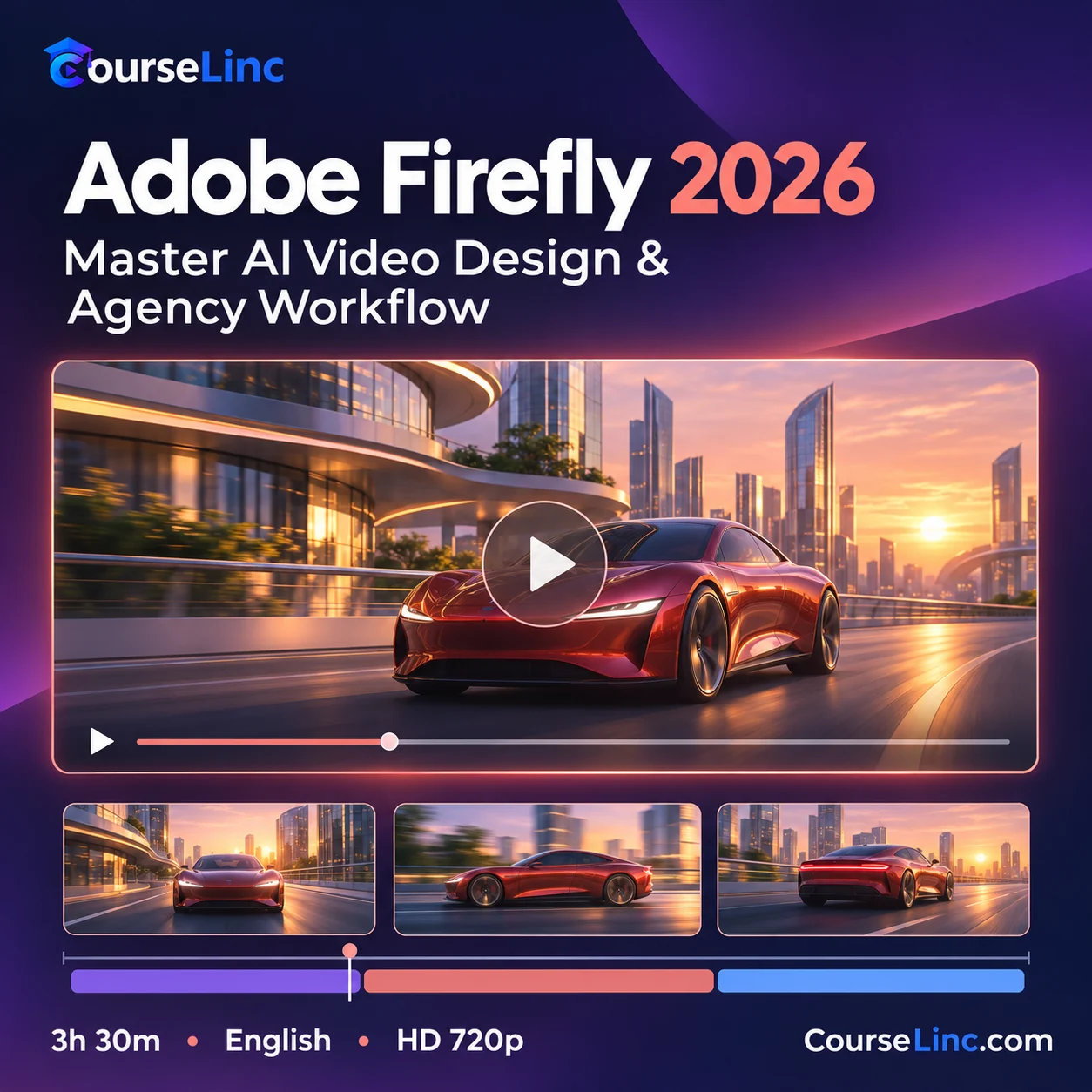
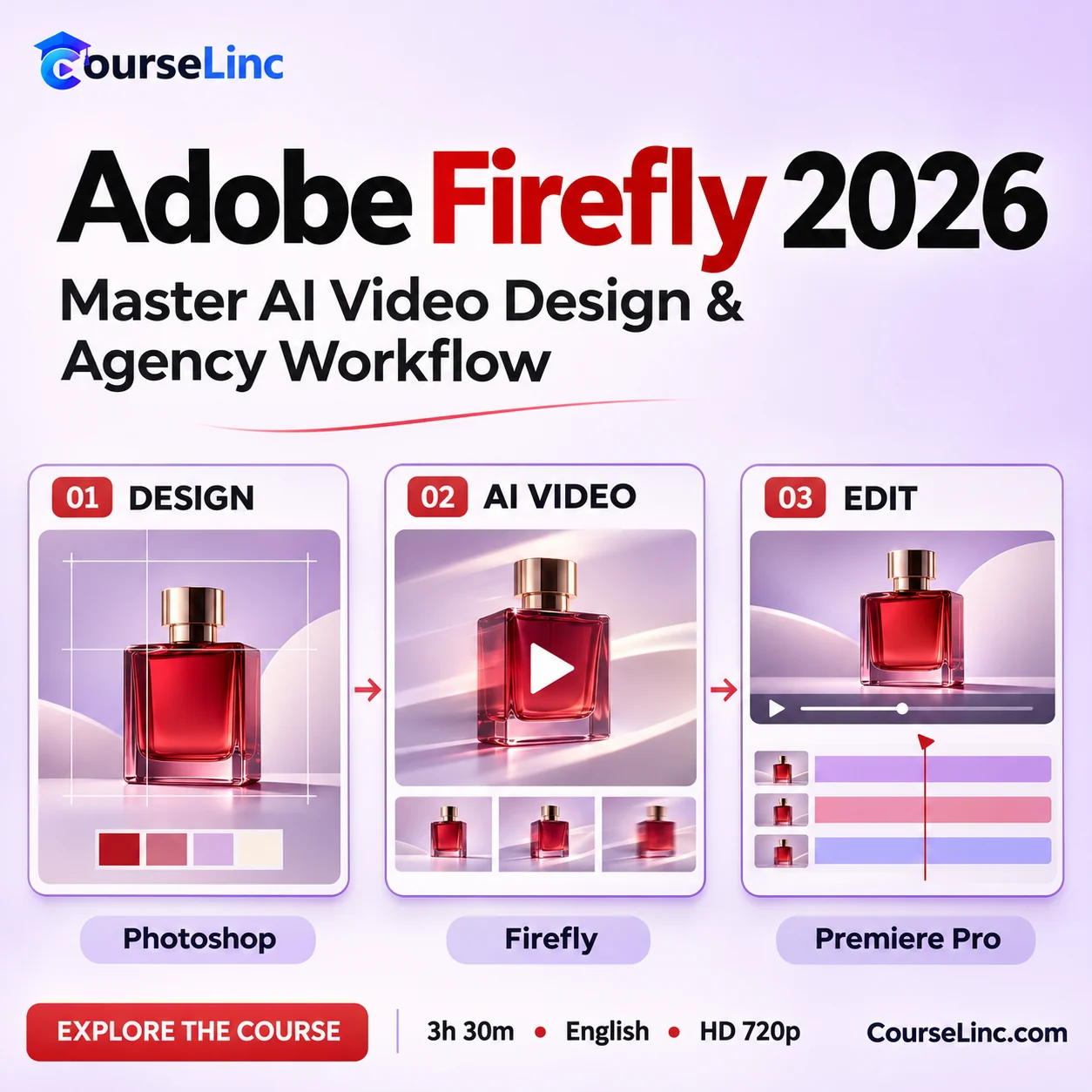

Adobe Firefly 2026: Master AI Video Design & Agency Workflow
Build an Adobe Firefly ad production workflow from AI visuals to Photoshop refinement and Premiere Pro video editing.
- AI visuals & brand refinement
- Video editing, transitions, keyframes & audio
- Agency workflows & platform exports
3h 30m • English
HD 720p video • MP4 / H.264
Course Overview
Adobe Firefly 2026
From AI visuals to a polished ad workflow.
Learn an Adobe Firefly workflow for AI ad visuals, Photoshop refinement and Premiere Pro video editing. Connect creative exploration with branding, client projects and platform-ready exports.
Adobe Firefly: 6 creative workflows
Build a connected process across visual generation, image refinement and video production.
AI ad visuals
Develop visual concepts and AI advertising assets, then choose material to refine for your campaign.
Photoshop refinement
Refine generated imagery with Generative Fill, prompt-based retouching, layers and masks while aligning the results with a brand.
Image-to-video keyframing
Use image-to-video keyframing to guide motion and connect still imagery with a planned video sequence.
Premiere Pro editing
Assemble clips and work with transitions, keyframes and audio to shape a polished video edit.
Brand & client work
Connect creative decisions with client, portfolio and brand workflows across the production process.
Platform exports
Prepare video exports for intended platforms and consider how the finished ad will be presented.
From generation to delivery
Keep the brand and the brief connected
This Adobe Firefly course connects AI exploration with refinement and editing for client projects, portfolio pieces and brand work. Follow the workflow from initial visual direction through a finished video export.
For graphic designers, video editors, creative directors and content creators with Adobe experience.
Explore the course details
Topics & agency workflow
- Firefly Boards for planning and custom style model training where available.
- Partner image workflows, including Gemini 3 (Nano Banana Pro), where available.
- Photoshop branding and Illustrator text-to-vector assets.
- Text-to-video and image-to-video keyframing, Premiere Pro editing and platform exports.
- Content Credentials for understanding asset provenance.
What you should know before starting
- Photoshop: comfortable with layers, masks and editing.
- Premiere Pro: timeline editing, transitions and basic audio.
- Comfort with Firefly generative features.
Feature access varies by Adobe plan, region and model. Check Adobe’s current Custom Models eligibility.
Video & course information
- Duration
- 3 hours 30 minutes
- Language
- English
- Video
- MP4 / H.264
- Resolution
- 1280 x 720
- Audio
- AAC, 44.1 kHz