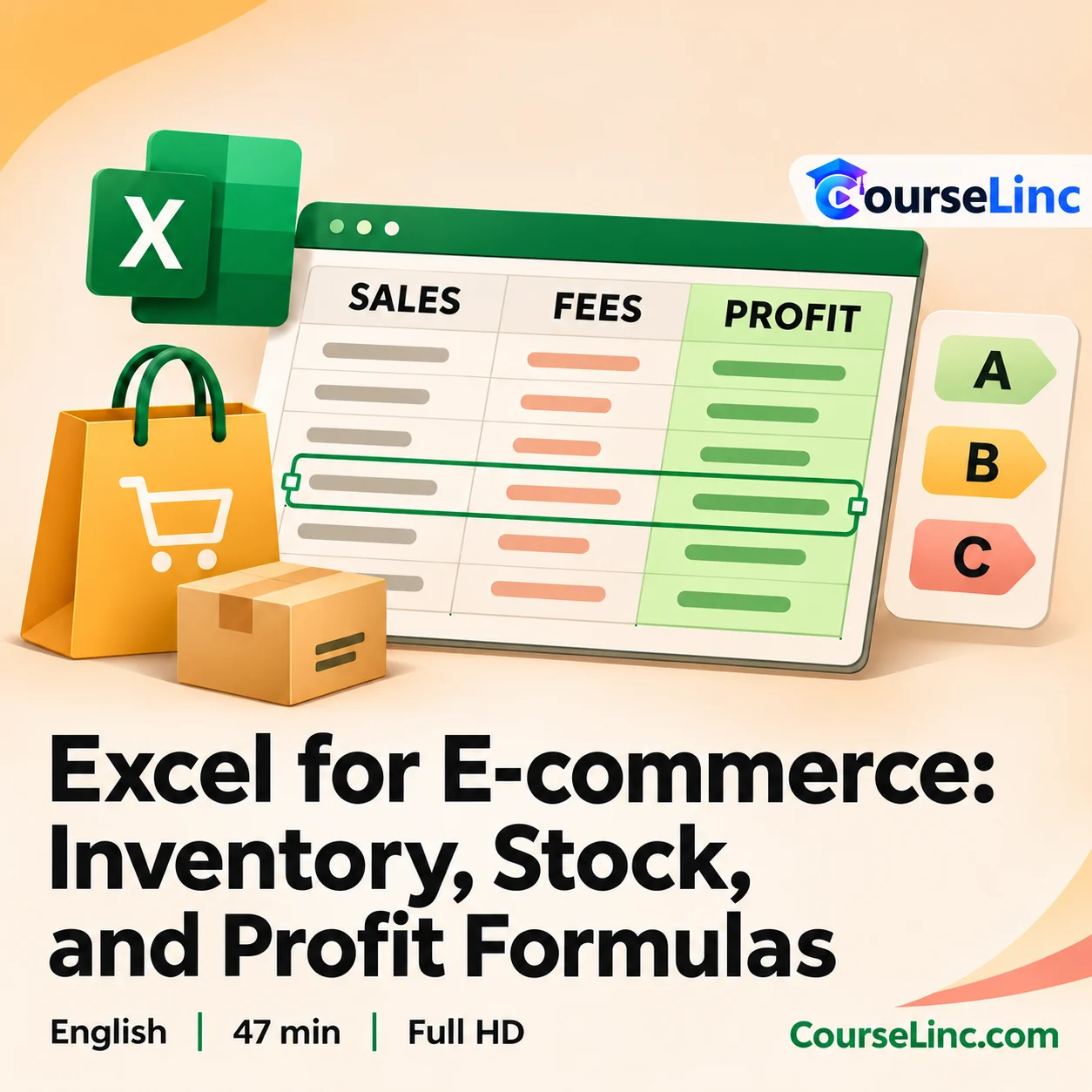

Excel for E-commerce: Inventory, Stock, and Profit Formulas
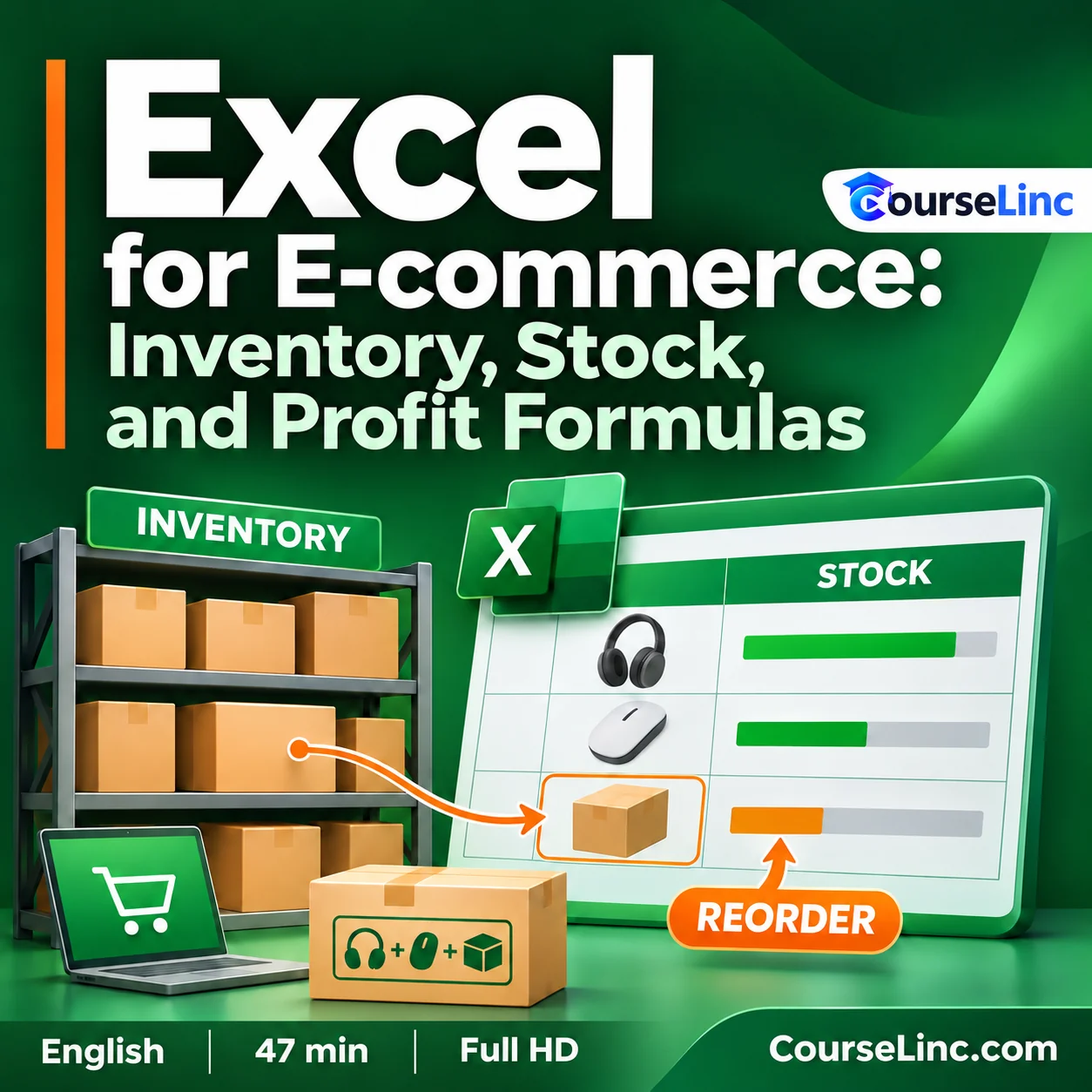
Excel for E-commerce covers eight techniques for barcode integrity, bundle stock, reorder alerts, cohort returns, selling fees, ABC ranking and multichannel oversell checks.
47 minutes • English • Full HD
This course uses artificial intelligence.
Course Overview
Excel for E-commerce: Inventory, Stock, and Profit Formulas
Make inventory and profit decisions with formulas.
Excel for E-commerce explores eight formula techniques for data integrity, inventory decisions and profitability. Work through practical examples covering product identifiers, stock availability, reorder signals, returns and selling costs.
The course combines starter-and-solution workbook exercises with guided walkthroughs of finished sheets. Its examples focus on Excel formulas for common e-commerce analysis tasks.
This course uses artificial intelligence.
Excel for E-commerce: practical formula workflows
Connect the eight techniques across six related areas of e-commerce spreadsheet work.
Import and audit product identifiers
Import barcodes, leading zeros and 18-digit IDs as text using safe CSV practices. Audit already-damaged barcode data through checksum checks.
Calculate bundle and kit availability
Explore component-driven availability for bundles and kits. Relate available components to the stock you can offer as a combined product.
Highlight reorder needs
Compare days of cover with supplier lead time to build reorder alerts. Connect the calculation with the inventory position shown in your sheet.
Measure returns by order cohort
Calculate return rates by order cohort. Examine returns alongside the group of orders they belong to when analyzing e-commerce performance.
Account for the selling-fee stack
Explore true-profit calculations that include referral fees, processing fees and shipping. Bring these costs into the calculation alongside sales revenue.
Rank products and check overselling
Compare revenue and margin through ABC ranking, then explore multichannel oversell checks. Review product contribution and stock commitments across selling channels.
Explore the course details
Workbooks and guided walkthroughs
Excel for E-commerce includes starter and solution workbooks for five of the eight techniques. These are four workbook pairs: the barcode workbook covers two data-integrity lessons.
The other three techniques are guided walkthroughs of provided finished sheets. The course therefore combines workbook exercises and finished-sheet walkthroughs rather than making every technique a type-along exercise.
Software compatibility and starting point
Use Excel on Windows or Mac; Microsoft 365 is recommended. Excel 2019 and 2021 support most of the course. Familiarity with basic formulas such as SUM or VLOOKUP is expected; this is not an absolute-beginner introduction.
XLOOKUP requires Microsoft 365 or Excel 2021; MINIFS requires Excel 2019 or later. The course names MIN(INT(range)) array formulas and legacy INDEX/MATCH substitutes. Legacy array formulas use Ctrl+Shift+Enter in Excel 2019 and older.
Core techniques are formula-only: no coding, add-ins or macros are required. One lesson mentions where a macro would fit. Examples use Excel; most formulas translate to Google Sheets.
Course format and AI-assisted production
This course uses artificial intelligence.
The course creator designs the lessons, workbooks and numbers and verifies them in live Excel. AI helps carry out the creator’s production plan through writing polish, visuals and narration delivery; the creator retains curriculum design and live Excel testing.
- Duration and language
- 47 minutes / English
- Video
- MP4 / H.264, 1920 x 1080
- Audio
- AAC, 44.1 kHz
Explore related Office Productivity courses or browse Business courses on CourseLinc. For product reference, see Microsoft’s guidance on keeping leading zeros and large numbers.