
Obsidian Course on Markdown notes, links, backlinks and Graph View, 10 lectures, 59 minutes, All Levels, English
Obsidian Course: Note-Taking & Knowledge Management Guide Original price was: ₹499.00.Current price is: ₹99.00.
Back to products
WordPress Basics course covering CMS, domains, hosting, themes, plugins and website structure, 37 minutes, English, HD 720p
Beginner's Guide to WordPress: Learn the Basics of Websites Original price was: ₹499.00.Current price is: ₹99.00.

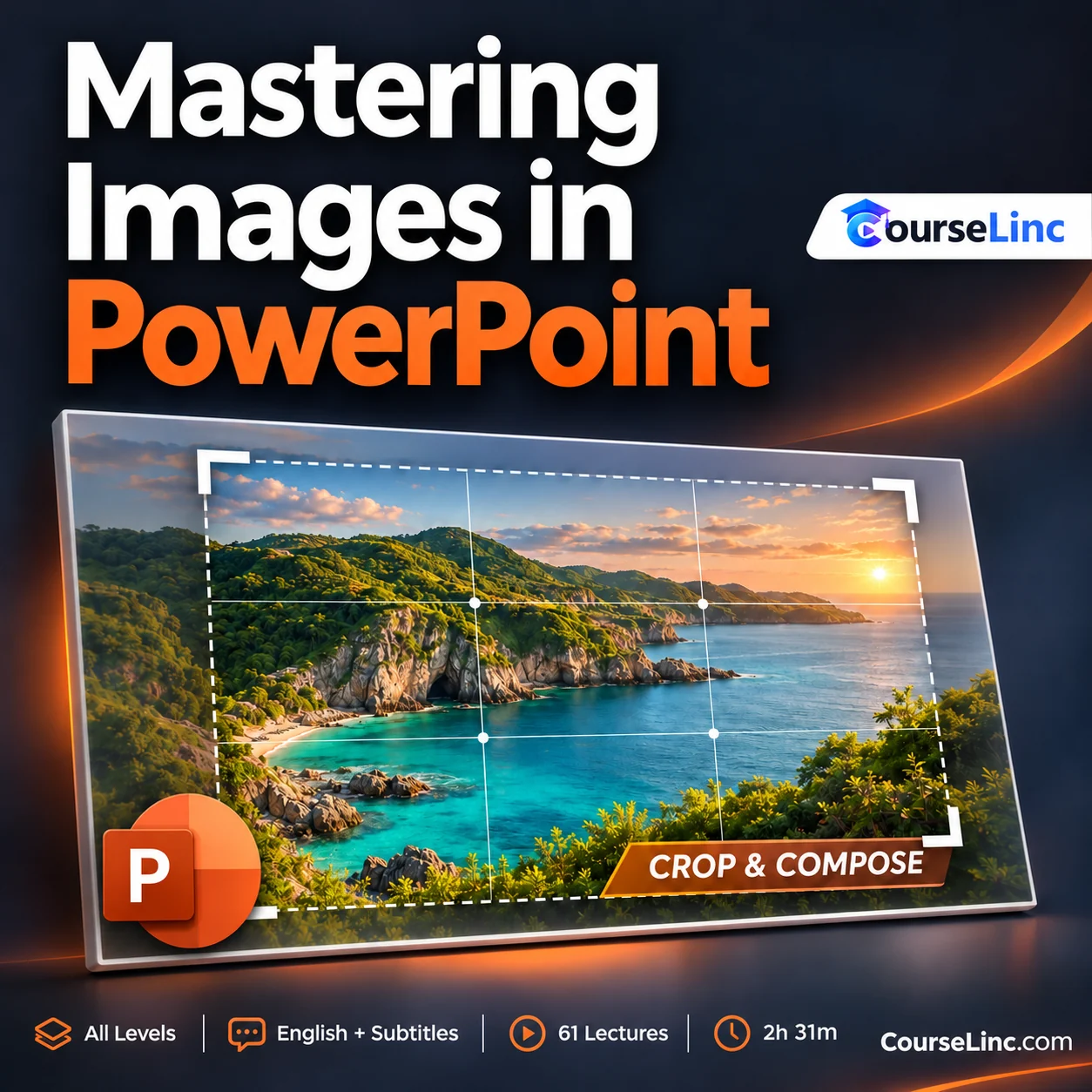
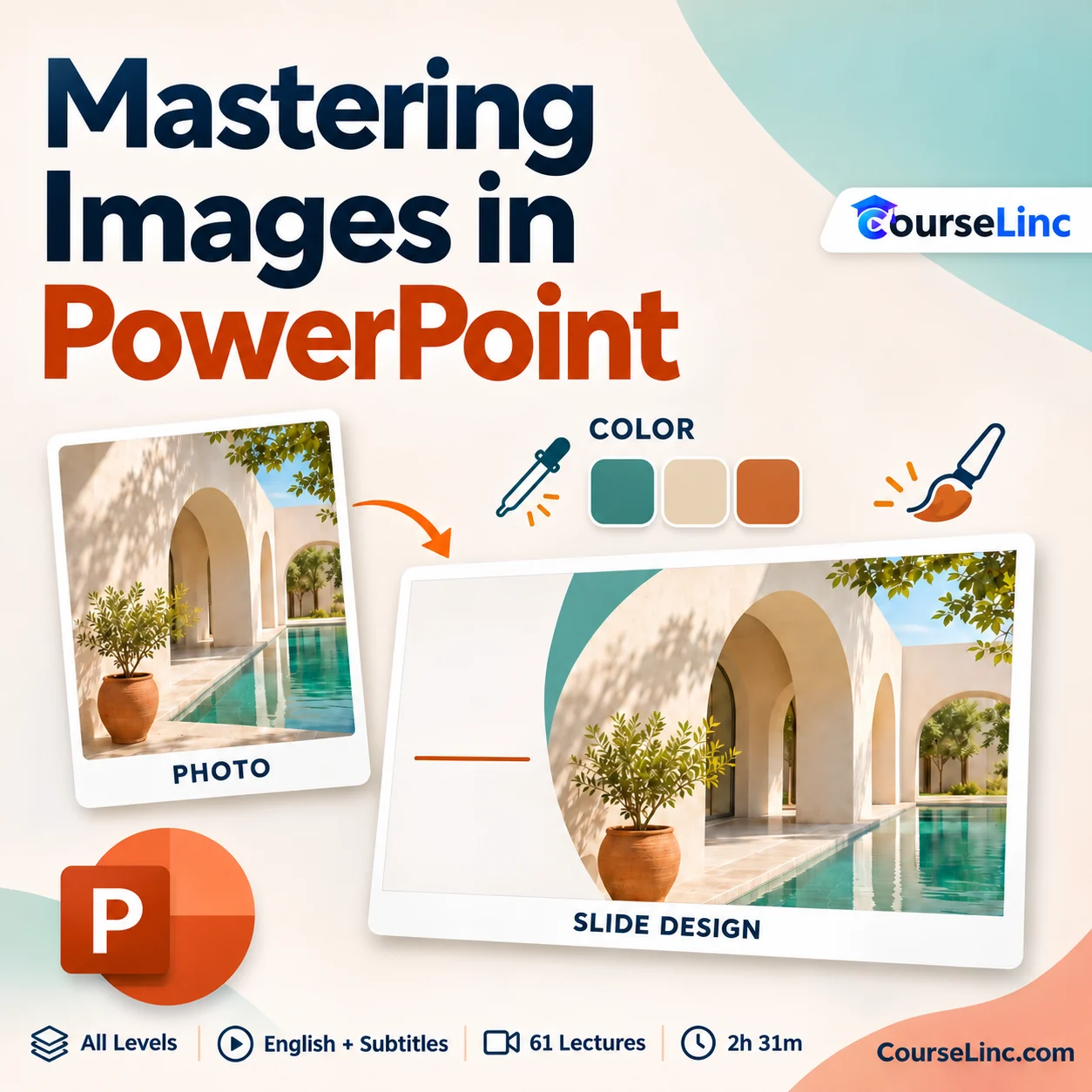
Mastering Images in PowerPoint

Explore images in PowerPoint through selection, cropping, styling, Format Painter, Eyedropper and visual storytelling. All PowerPoint files shown in the course are downloadable.

61 lectures • 2h 31m • All Levels • English with subtitles • Full HD

Original price was: ₹499.00.Current price is: ₹199.00.

Course Overview

Mastering Images in PowerPoint

Choose images with purpose. Shape the visual story.

Explore images in PowerPoint through selection, editing and visual storytelling. Learn to consider appeal, quality, suitability and emotion when choosing imagery, then work with the tools used to crop, resize, manipulate and style photos.

Connect image choices with presentation needs through workflow tips and practical examples. The course also explores Format Painter, Eyedropper, animations and transitions as parts of working with visual material.

Image selection and editingPowerPoint toolsVisual storytelling
2h 31mVideo duration
61 lecturesCourse structure
All LevelsCourse level
EnglishSubtitles available

Images in PowerPoint: 6 connected skill areas

Explore how selection, editing choices and presentation effects can support the message you want to communicate.

Choose imagery for the presentation

Find and select imagery with attention to visual appeal, quality and suitability. Consider the emotion an image brings to a slide and how it relates to your message.

Crop, resize and manipulate photos

Explore cropping, resizing and manipulating images inside PowerPoint. Connect these editing choices with the space available on a slide and the presentation you are preparing.

Style photos with considered choices

Learn about PowerPoint image tools and styling approaches, including techniques to avoid. Examine how image treatment contributes to the way a slide communicates.

Develop an efficient editing workflow

Explore workflow tips and practical examples intended to reduce editing effort. Consider how repeatable approaches can guide the image-related work in your presentations.

Explore Format Painter and Eyedropper

Work through image Format Painter and Eyedropper topics. Connect these tools with the course approach to photo styling and the appearance of visual elements.

Support storytelling with movement

Explore animations and transitions as ways to support visual storytelling and emotion. Consider how presentation effects relate to the images and ideas you want to communicate.

Explore the course details

Downloadable course files and learning approach

All PowerPoint files shown in Mastering Images in PowerPoint are downloadable. Use these course files alongside the examples as you explore image selection, photo manipulation, styling and presentation effects.

The learning path connects the choice of an image with the tools and workflow used to prepare it for a slide. Storytelling and emotion remain part of the discussion as editing and presentation techniques are introduced.

Software requirement and who it is for

Required software: PowerPoint 2010, 2013, 2016, 2019 or Office 365. Tool availability and interface can vary by version. Course level: All Levels.

The course is for any PowerPoint user who wants to improve imagery in presentations. Explore ways of working with images in PowerPoint that connect visual choices, practical editing and the message you want your slides to express.

Course format
Duration and structure
2 hours 31 minutes / 61 lectures
Language and level
English with subtitles available / All Levels
Video
MP4 / H.264, 1920 x 1080
Audio
AAC, 44.1 kHz, 2 channels

Explore related Office Productivity courses or browse Design courses on CourseLinc. For product reference, see Microsoft’s guidance on cropping pictures and copying formatting.

Learner reviews

Explore more courses

Original price was: ₹499.00.Current price is: ₹199.00.
Original price was: ₹999.00.Current price is: ₹499.00.
Original price was: ₹499.00.Current price is: ₹199.00.
Original price was: ₹499.00.Current price is: ₹99.00.
Original price was: ₹499.00.Current price is: ₹199.00.
Original price was: ₹999.00.Current price is: ₹499.00.