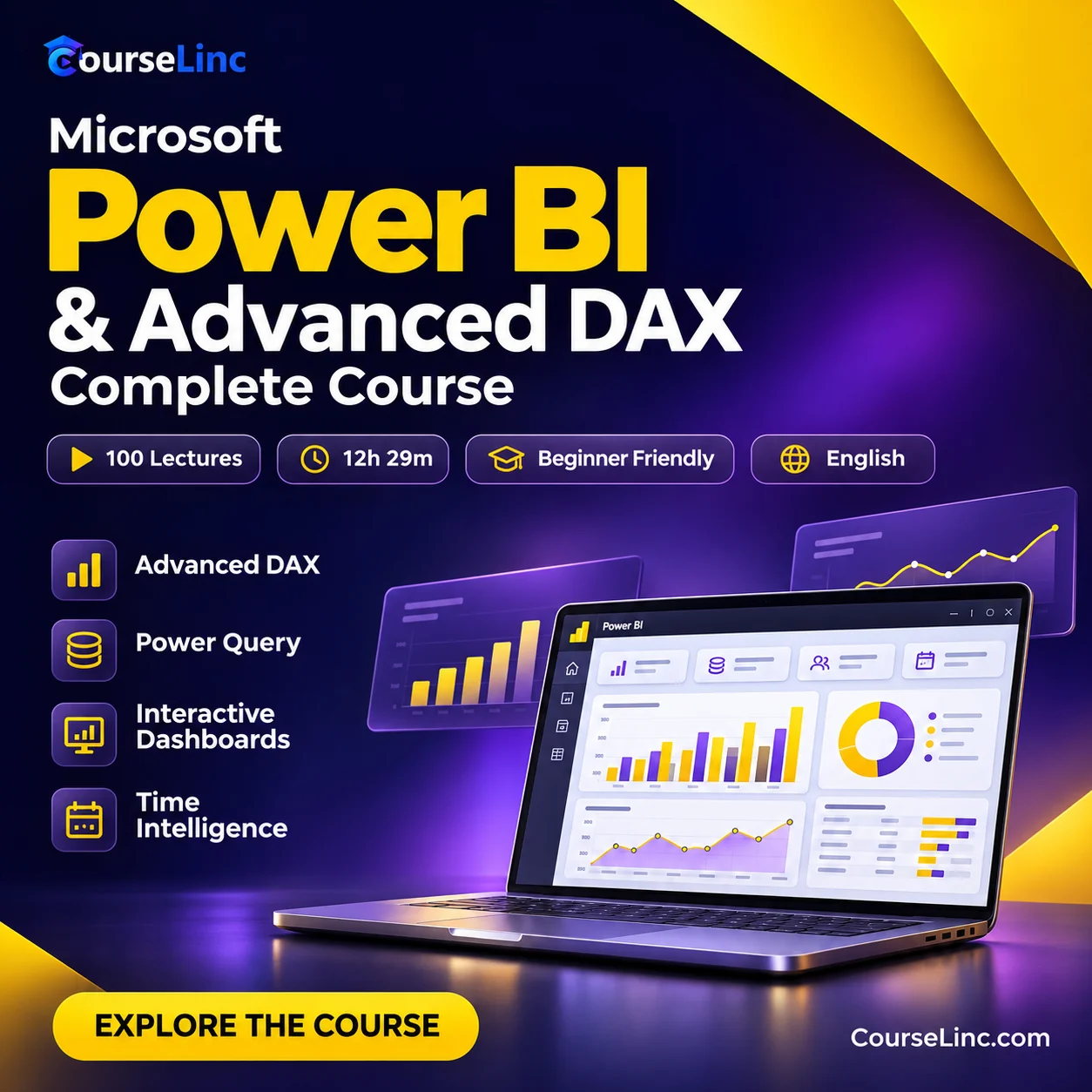
Microsoft Power BI & Advanced DAX Complete Course
Build practical Microsoft Power BI and advanced DAX skills for professional reports, interactive dashboards and business intelligence.
- Power Query data transformation
- DAX measures, CALCULATE & relationships
- Advanced analytics & time intelligence
100 lectures • 12h 29m
English audio • Subtitles included
Beginner level • Full HD video • Lifetime access
Course Overview
Microsoft Power BI & Advanced DAX
Turn business data into clear decisions.
Learn Microsoft Power BI reporting, dashboard development and advanced DAX through practical lessons. Start with data preparation, then build visual reports, relationships and calculations for business intelligence.
Microsoft Power BI: 6 practical skills
Build a connected workflow from raw data to interactive reports and advanced analytics.
Reports & dashboards
Create professional dashboards with charts, tables, slicers, filters and visual interactions to explore data and communicate insights.
Power Query
Transform and prepare data with Power Query before bringing it into your reporting and analysis workflow.
DAX foundations
Use formulas, measures and calculated columns. Practice SUM, AVERAGE, RELATED and SUMMARIZE in practical calculations.
CALCULATE & context
Understand CALCULATE, filter context, context transition and relationships. Apply filter, table and iterator functions to your measures.
Time intelligence
Build YTD and MTD calculations, compare periods with SAMEPERIODLASTYEAR, and use RANKX for analytical reporting.
Advanced DAX concepts
Explore VertiPaq and DAX engines, variables and error handling to deepen your understanding of complex calculations.
Learn by building
A practical reporting workflow
- ✓ Prepare data with Power Query
- ✓ Build measures and relationships
- ✓ Design interactive visualizations
- ✓ Practice analytical and time intelligence reports
Who this course is for
This Microsoft Power BI course suits beginners and Excel users moving into business intelligence, as well as aspiring analysts and reporting specialists.
Course details, at your pace
Begin with reporting fundamentals and progress into advanced DAX through structured lessons and dashboard exercises.
Requirements
- No prior Power BI experience required.
- Basic Excel knowledge is helpful.
- Power BI Desktop installed.
Advanced DAX coverage
The course combines beginner reporting with advanced calculations: CALCULATE and context transition; filter, table and iterator functions; VertiPaq and DAX engines; variables and error handling; and YTD, MTD and time intelligence.
Video & course information
- Lectures
- 100
- Duration
- 12 hours 29 minutes
- Language
- English audio; subtitles included
- Video
- MP4 / H.264
- Resolution
- 1920 x 1080
- Audio
- AAC, 44.1 kHz, 2 channels