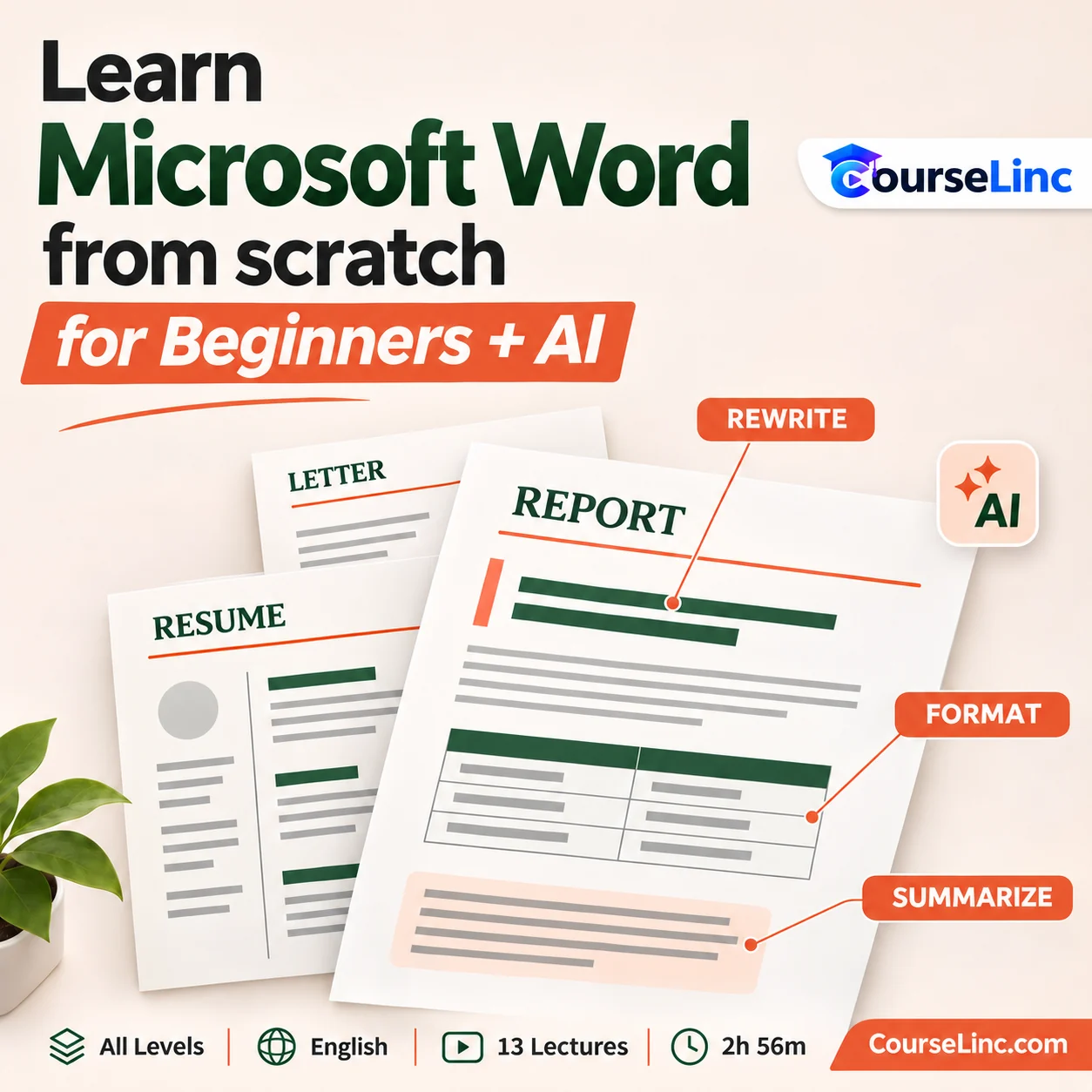

Learn Microsoft Word from scratch for Beginners + AI
Explore Microsoft Word for Beginners with formatting, tables, images, styles, mail merge and document collaboration, plus AI-supported content generation, grammar, rewriting and summarizing.
13 lectures • 2h 56m • All Levels • English • Full HD
Course Overview
Learn Microsoft Word from scratch for Beginners + AI
Create clear, well-structured documents.
Explore Microsoft Word for Beginners through document creation, formatting and everyday office tasks. Learn Word features alongside AI-supported content generation, grammar improvement, rewriting and summarizing.
The course connects text, page structure and visual elements with practical uses such as letters, resumes, reports and business communications.
Microsoft Word for Beginners: 6 practical skill areas
Follow the document workflow from working with text to reviewing and sharing the finished result.
Navigate and format
Learn the Word interface, text formatting and keyboard shortcuts. Connect familiar document tasks with the commands used to complete them.
Structure pages and reports
Use styles, headers and footers to organize documents. Explore how consistent formatting supports reports and other documents with several sections.
Add visuals and layouts
Work with tables, images, SmartArt and Word templates. Bring text and visual information together for documents such as newsletters and flyers.
Prepare everyday communications
Explore mail merge and document uses across letters, resumes and CVs, proposals, invoices and meeting notes. Relate Word features to different communication needs.
Review, protect and share
Learn review and collaboration features, document protection, PDF conversion, printing and sharing. Consider the final format when preparing documents for other people.
Use AI writing assistance
Explore generating content, improving grammar, rewriting passages and summarizing text with AI. Connect writing support with the documents you are preparing.
Explore the course details
Document tasks covered
The lessons bring together formatting, page structure, visual elements and document finishing. Use cases span personal correspondence, study, job applications and business documents. Word templates are covered as a software feature.
Who this course is for
Microsoft Word for Beginners is relevant to students, job seekers, teachers, entrepreneurs, office users, freelancers and business users interested in document creation and AI-supported writing. Course level: All Levels.
Course format
- Duration and structure
- 2 hours 56 minutes / 13 lectures
- Language and level
- English / All Levels
- Video
- MP4 / H.264, 1920 x 1080
- Audio
- AAC, 44.1 kHz, 2 channels
Explore more Office Productivity courses or complement document skills with Time Management Mastery with AI.