Master Real Estate Video Editing: Premiere & After Effects
Learn Real Estate Video Editing with Premiere Pro and After Effects through tracked text, speed ramps, grading, AI visualizations and audio. Build toward three portfolio sample videos across 27 English lectures totaling 1h 54m in Full HD.
Course Overview
Real Estate Video Editing
Turn property footage into a cohesive visual story.
Learn Real Estate Video Editing with Premiere Pro and After Effects through practical work with real footage. Connect caption animation, tracking, pacing, transitions, color and sound as you develop a complete property-video workflow.
Real Estate Video Editing: 6 practical skill areas
Connect the creative techniques with the editing decisions that shape a property video from its opening shot to the finished delivery.
Captions, tracking & follow effects
Explore slide-in caption animations, 3D tracked text, head tracking, Roto Brush follow effects and hidden-caption treatments for property footage.
Speed ramps & motion
Work on smooth speed ramps and motion blur, connecting changes in pace with the flow of a property video.
Cinematic transitions
Explore cinematic transitions and consider how adjoining shots connect, supporting a more cohesive presentation of rooms, spaces and property details.
AI property visualizations
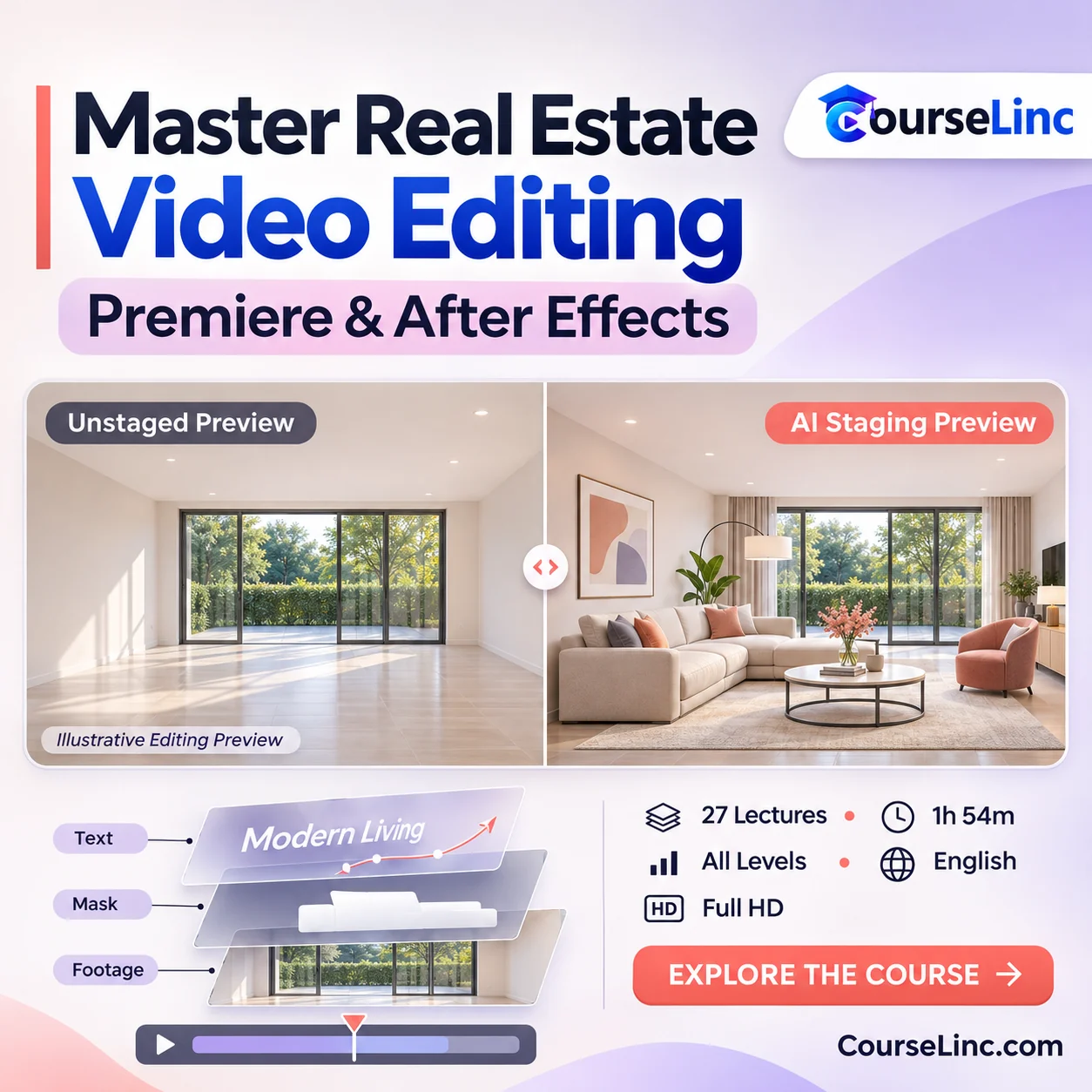
Study AI day-to-night, staging and empty-lot-to-building visualizations as creative techniques within a property-video workflow.
Rec.709 & Log grading
Explore color grading with Rec.709 and Log footage, considering how image treatment contributes to the finished video’s visual presentation.
Audio, portfolio & delivery
Combine sound effects and music with editing and finishing, following a workflow from receiving client footage through final delivery.
From client footage to portfolio work
Bring the edit, effects and finish together
This Real Estate Video Editing course follows the production journey from received footage to final delivery. Practice combining the techniques into sample videos that show your approach to property presentation and editing.

Explore the course details
Editing techniques & visualizations covered
- Caption animations and slide-ins, 3D tracked text, head tracking, Roto Brush follow effects and hidden captions.
- Smooth speed ramps, motion blur, cinematic transitions and grading for Rec.709 and Log footage.
- AI day-to-night changes, staging and empty-lot-to-building visualizations.
- Sound effects, music and the client workflow from receiving footage to final delivery.

Label AI-altered property scenes as visualizations when presenting them alongside recorded footage.
Software, audience & practical projects
Premiere Pro and After Effects access is required; separate AI tools may require access or credits. The course is for all levels, including editors, real estate agents, After Effects beginners and freelancers interested in property-video production.
Hands-on lessons use real footage. The practical portfolio goal is to create three polished sample videos while applying the editing, audio and finishing techniques.
Video & course format
- Lessons
- 27 lectures / 1h 54m
- Level & language
- All levels / English
- Video
- MP4 / H.264, 1920 x 1080
- Audio
- AAC, 44.1 kHz, 2 channels