

OneDrive Course on cloud files, folders and cross-device sync, 15 lectures, 57 minutes, All Levels, English
Microsoft OneDrive: A Complete Beginner's Course Original price was: ₹499.00.Current price is: ₹99.00.
Back to products
SQL Course for beginners covering SQL Server, databases, tables and queries, 1h 7m, English, HD 720p
SQL Database Administration & Query Skills: For Beginners Original price was: ₹499.00.Current price is: ₹99.00.

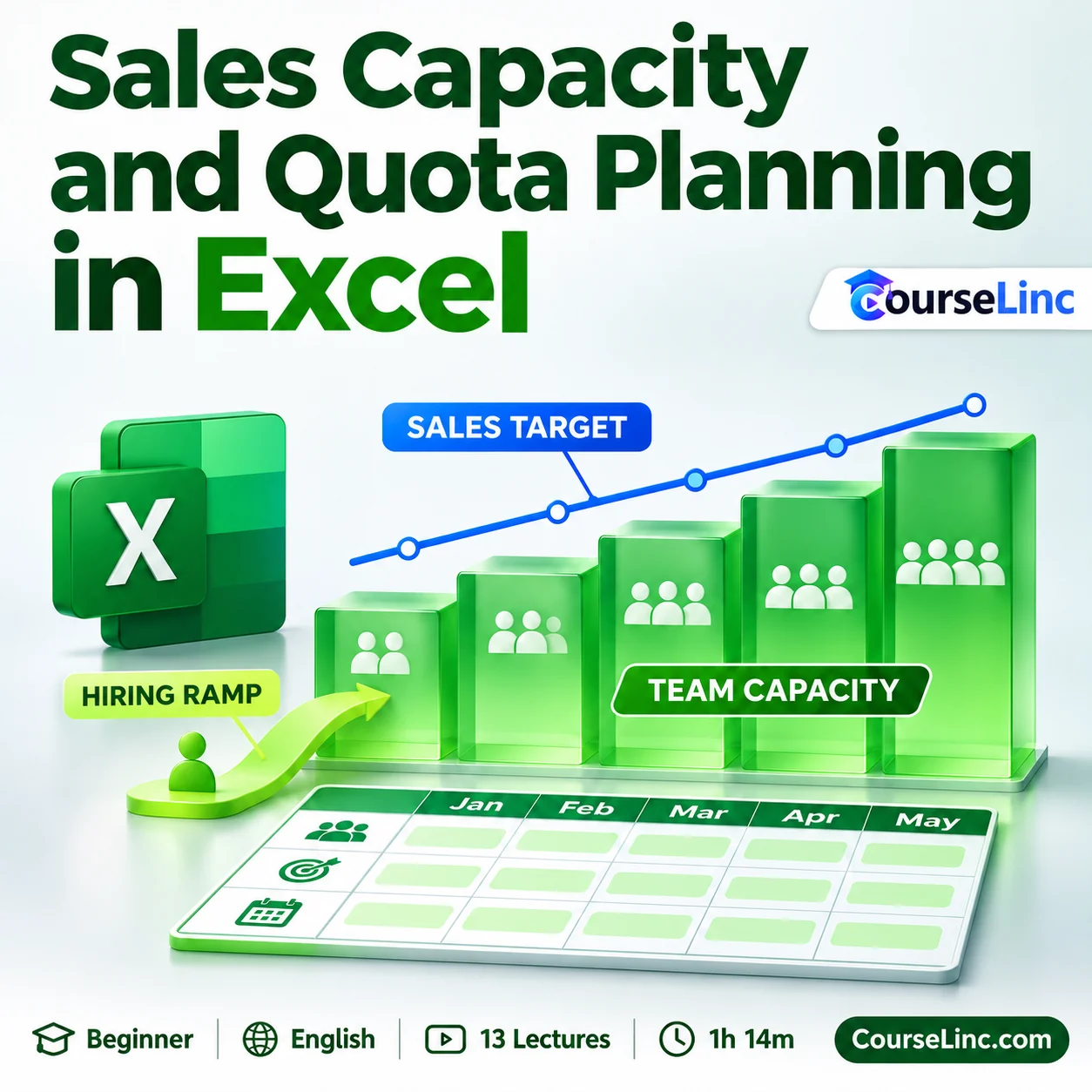
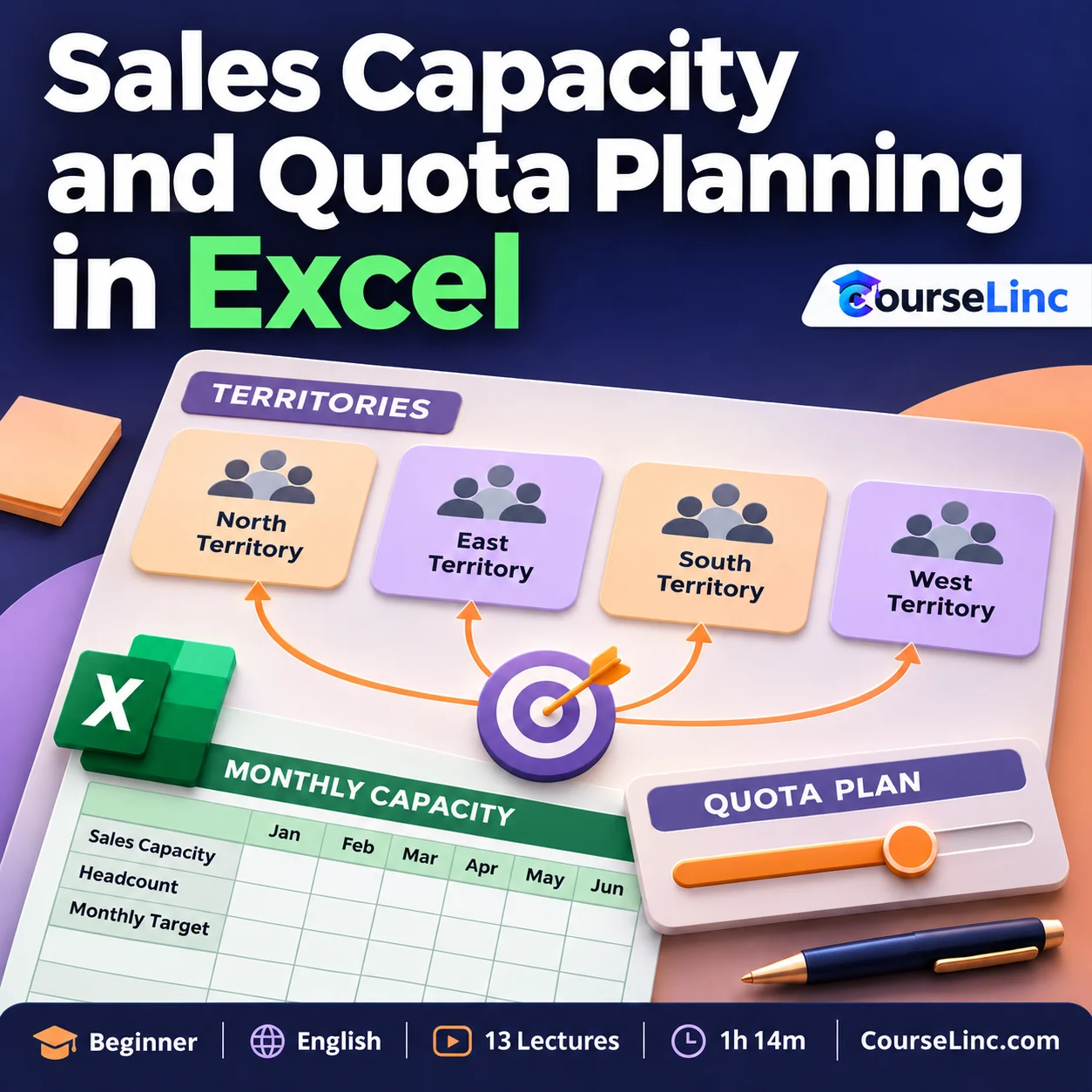
Sales Capacity and Quota Planning in Excel

Explore Sales Capacity Planning in Excel through a business-software course case covering hiring, ramp, territory quotas, costs and scenario checks, with practical start and finished files.

13 lectures • 1h 14m • Beginner • English • Full HD

This course uses artificial intelligence.

Original price was: ₹499.00.Current price is: ₹99.00.

Course Overview

Sales Capacity and Quota Planning in Excel

Connect seller capacity, hiring and quota decisions.

Explore Sales Capacity Planning through a practical Excel model covering productive sellers, hiring timing, territory quotas and costs. Follow a business-software case that connects booking targets with the people and time available to support them.

Work through cell-by-cell formulas, highlighted inputs and scenario changes. The course brings capacity calculations together with hiring calendars, quota allocation and checks that support a structured discussion of approvals and ramp checkpoints.

This course uses artificial intelligence.

Capacity and hiringTerritory quotasCost and scenario checks
1h 14mVideo duration
13 lecturesCourse structure
BeginnerCourse level
EnglishCourse language

Sales Capacity Planning: 6 connected model areas

Connect the model components to understand how changes in one planning assumption affect the rest of the course case.

Separate capacity from quota

Explore capacity versus quota, productive sellers and monthly targets. Connect the distinction with the staffing assumptions used to model how much selling capacity is available.

Model attrition, vacancies and ramp

Work through attrition, backfill lead time, vacant seats and a ramp curve. Examine how staffing changes and ramp timing alter productive seller capacity over the planning period.

Build a hiring calendar

Combine approval dates and lead times to determine hiring starts. Compare monthly capacity with target as new sellers join and move through the modeled ramp.

Allocate territory quota pools

Explore overassigned quota pools across two segments and six territories. Work with an opportunity and seller-share blend, alongside territory stretch, to examine quota allocation in the case.

Connect payroll and vacancy costs

Model monthly pay costs including ramps, vacancy-related bookings loss and the cost of a three-month approval delay. Relate the cost calculations to the hiring timeline in the Sales Capacity Planning case.

Test scenarios and board checks

Use a high-attrition or slow-ramp switch and two pre-agreed board tests. Explore green, amber and red checks, approvals needed now and ramp checkpoints within the model.

Explore the course details

Kestrel Cloud course case and reusable model

Sales Capacity Planning is taught through the course’s Kestrel Cloud business-software case: 18 ramped sellers, a $12 million bookings target that rises every quarter, and a CRO request for six new hires in two waves.

These are inputs to the educational case. The reusable model includes an Inputs sheet, a scenario switch, a hiring calendar, territory quotas, a cost view and checks, bringing the staffing, allocation and timing questions into one planning workflow.

Practical files and learning approach

The Sales Capacity Planning lessons use cell-by-cell formulas and highlighting. Each practical lesson has a start file with the build cells shaded orange and a finished file, alongside a pause exercise, answer and common mistake.

Work through the practical sequence to connect individual calculations with the model. The files and exercises support reviewing the formulas, checking answers and exploring how a scenario changes the case.

Starting point, audience and course format

You should be comfortable entering a basic Excel formula such as =A1+B1 and copying it across. Use Excel 2016 or later on Windows or Mac. No sales-operations or finance background is required.

The course uses SUM, IF, MIN, MAX, MOD, INDEX, COUNTIF, SUMIF and ROUNDUP. Sales Capacity Planning is relevant to sales leaders, RevOps and SalesOps teams, commercial finance and FP&A professionals, founders and general managers. Course level: Beginner.

Duration and structure
1 hour 14 minutes / 13 lectures
Language
English
Video
MP4 / H.264, 1920 x 1080
Audio
AAC, 44.1 kHz, 2 channels

This course uses artificial intelligence.

Explore related Business courses and Office Productivity courses. For product reference, see Microsoft’s ROUNDUP and SUMIF references.

Learner reviews

Explore more courses

Original price was: ₹499.00.Current price is: ₹199.00.
Original price was: ₹999.00.Current price is: ₹499.00.
Original price was: ₹499.00.Current price is: ₹199.00.
Original price was: ₹499.00.Current price is: ₹99.00.
Original price was: ₹499.00.Current price is: ₹199.00.
Original price was: ₹999.00.Current price is: ₹499.00.