Email Management and Productivity Hacks
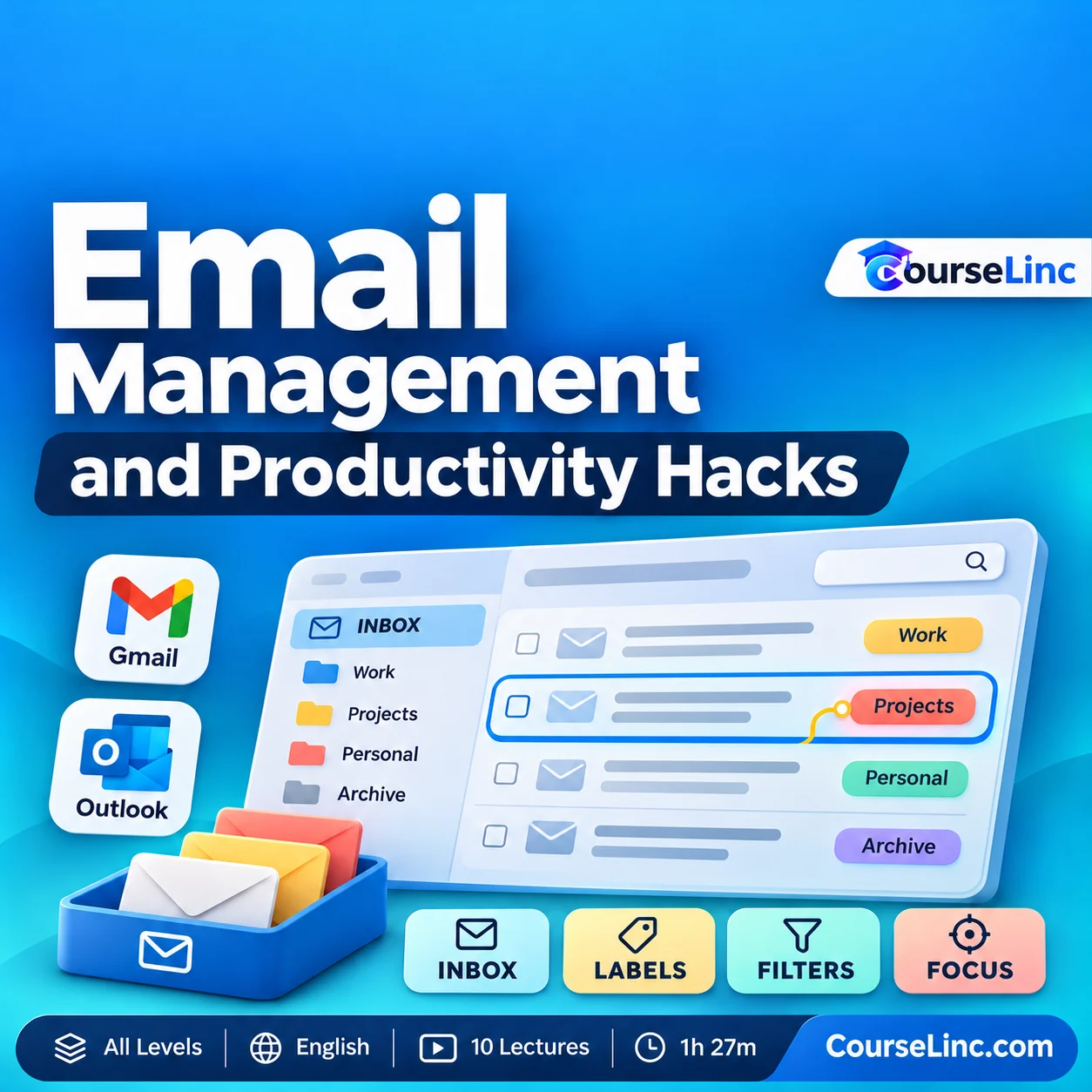
Explore Email Management in Gmail and Microsoft Outlook with inbox organization, important-message retrieval, reusable email templates, professional etiquette and habits for reducing distractions.
10 lectures • 1h 27m • All Levels • English • HD 720p
Course Overview
Email Management and Productivity Hacks
Give your inbox a more deliberate workflow.
Explore Email Management in Gmail and Microsoft Outlook through practical organization, communication and focus habits. Learn approaches for handling incoming messages, finding important information and building a system that supports your other work.
The lessons connect an Inbox Zero workflow with organization methods, reusable email templates and professional etiquette. The aim is to spend your attention more deliberately as you manage everyday email.
Email Management: 6 practical workflow areas
Connect inbox organization with how you write, respond and protect time for other tasks.
Explore an Inbox Zero workflow
Consider how to handle incoming messages within an Inbox Zero approach. Build a repeatable process for deciding what needs your attention and what to do next.
Organize messages with a system
Explore Gmail labels, Outlook folders and categories, and filtering methods. Connect how you arrange messages with the way you use email for work or study.
Find important information
Explore ways to locate important messages among everyday email. Bring organization and retrieval into the same workflow so your inbox supports the task at hand.
Develop reusable email templates
Learn to use reusable email templates when writing and replying. Explore structured responses as a way to approach recurring communication tasks more efficiently.
Reduce interruptions and distractions
Examine email habits with a focus on interruptions and attention. Consider approaches intended to reduce distractions and leave more room for other work.
Build professional communication habits
Explore email etiquette alongside everyday productivity habits. Connect how you communicate with a broader email-productivity system you can apply to your own responsibilities.
Explore the course details
Course coverage and practical approach
The course focuses on Gmail and Microsoft Outlook productivity, connecting inbox organization, important-message retrieval, templates, focus and etiquette. Reusable email templates are covered as a communication method.
Build an email-productivity system around the lessons, then consider how its organization and communication habits fit your work, business or study.
Starting point and who it is for
No prerequisites are required; bring an open mind. Course level: All Levels.
Email Management is relevant to business owners, professionals, entrepreneurs, freelancers, remote workers, students and other email users who want to reconsider their inbox habits and make room for other priorities.
Course format
- Duration and structure
- 1 hour 27 minutes / 10 lectures
- Language and level
- English / All Levels
- Video
- MP4 / H.264, 1280 x 720
- Audio
- AAC, 44.1 kHz, 2 channels
Explore related Office Productivity courses or browse Personal Development courses on CourseLinc. For product reference, see Google’s Gmail labels guidance and Microsoft’s Outlook inbox-organization guidance.