Obsidian Course: Note-Taking & Knowledge Management Guide
Explore the Obsidian Course for Markdown notes, connected knowledge, organization, daily workflows and community plugins including Dataview.
10 lectures • 59 minutes • All Levels • English • Full HD
This course is an independent educational course and is not affiliated with, endorsed by, or sponsored by Obsidian.
Course Overview
Obsidian Course: Note-Taking & Knowledge Management Guide
Connect your notes with a purposeful system.
This Obsidian Course explores note-taking and personal knowledge management through Markdown notes, connected information and practical organization methods. Start with your first vault, then explore ways to support research, project planning and everyday productivity.
Connect note creation with links, search, daily routines and knowledge-management approaches. The course also covers customization, community plugins, export and device sync as parts of building a note-taking workflow.
This course is an independent educational course and is not affiliated with, endorsed by, or sponsored by Obsidian.
Obsidian Course: 6 connected learning areas
Explore the relationship between individual notes, organization methods and a connected personal knowledge system.
Set up a vault and create notes
Explore installation, create your first vault and get familiar with the interface. Learn Markdown note creation as the starting point for your Obsidian workflow.
Connect ideas through links
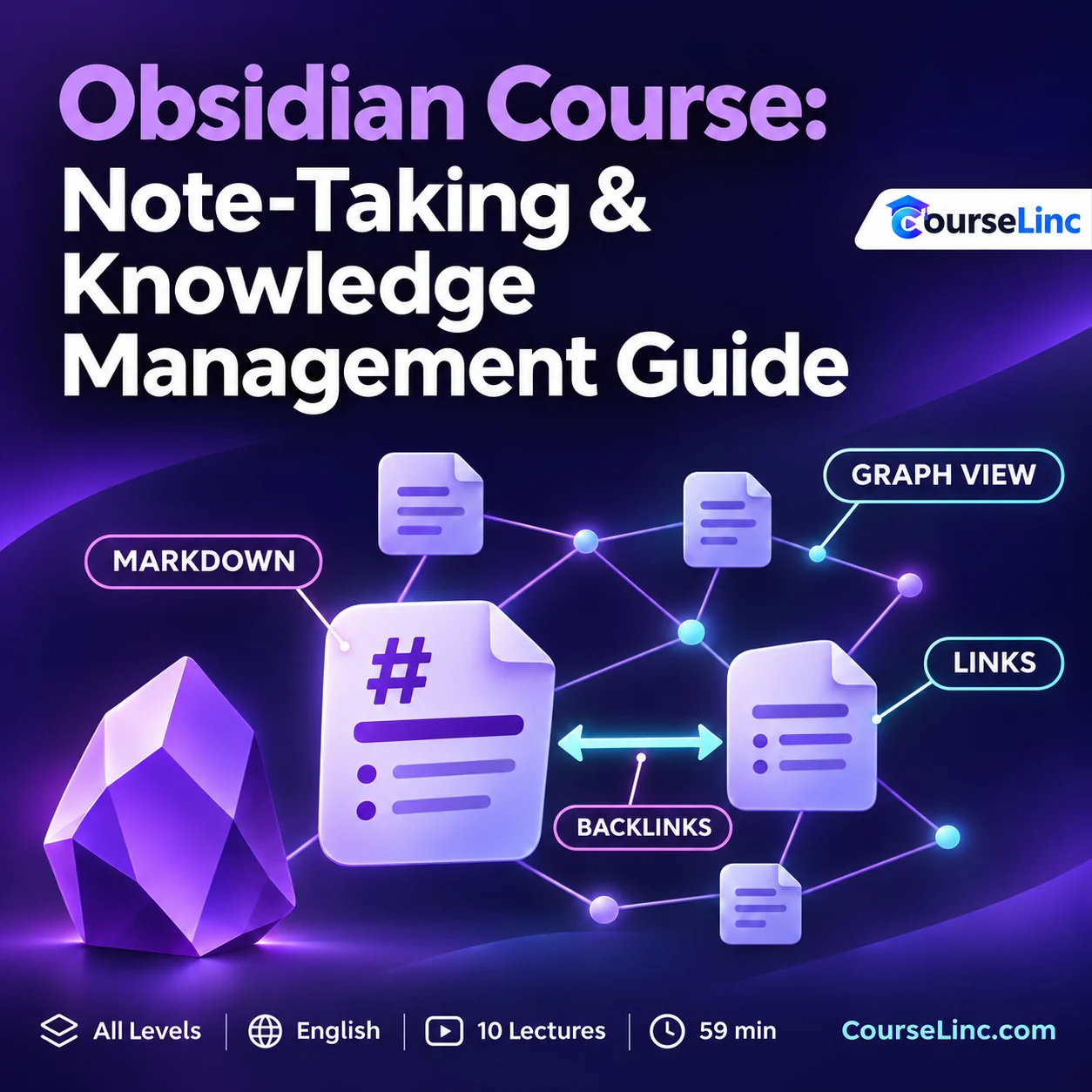
Work with links, backlinks and Graph View to explore connections between notes. Consider how related information can support research and the development of your ideas.
Organize and find information
Explore tags, properties, folders and search. Connect organization choices with the way you want to store, retrieve and work with your notes.
Build daily note-taking routines
Explore templates, daily notes and task management. Bring recurring note-taking needs into a workflow you can practice alongside your study, projects or professional responsibilities.
Explore community plugins and dashboards
Learn about community plugins, including Dataview for dashboards. Explore how these extensions relate to organizing and viewing information in your note-taking workflow.
Apply knowledge-management methods
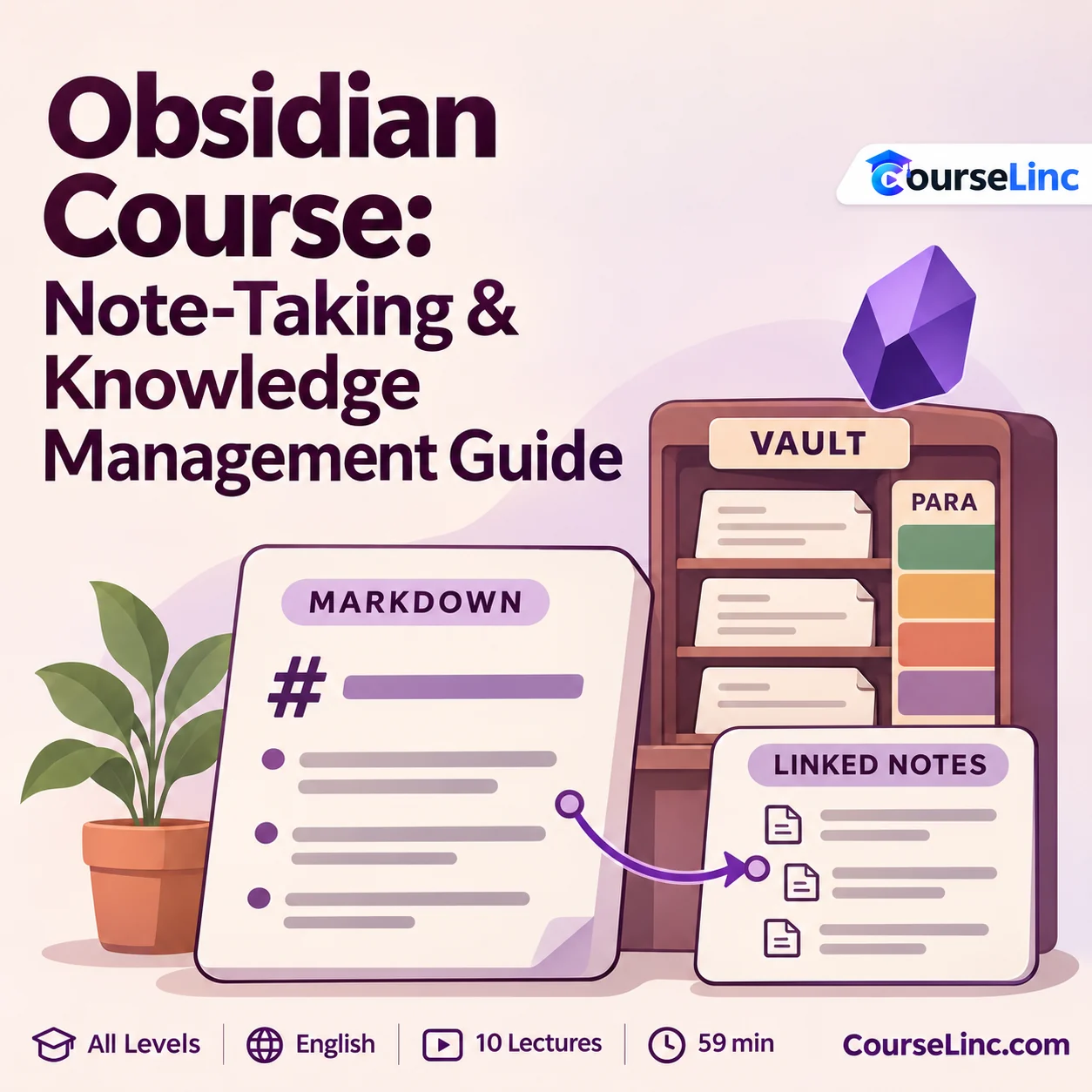
Explore Zettelkasten, PARA and second-brain approaches. Relate these methods to connected notes, personal knowledge management and the way you organize ongoing work.
Explore the course details
Course coverage and workflow topics
The Obsidian Course connects Markdown notes, linked information and organization with daily routines and knowledge-management methods. Additional topics include themes, customization, export and device sync.
Community plugins are part of the syllabus, with Dataview explored for dashboards. The focus spans note-taking, personal knowledge management, research, project planning and productivity.
Optional paid services or subscriptions are separate from this course.
Starting point and who it is for
No prior Obsidian experience is required. You will need a Windows, macOS or Linux computer with Obsidian installed, basic familiarity with files and folders, and a willingness to practice.
The Obsidian Course is relevant to beginners, students, professionals, researchers, writers, lifelong learners and anyone interested in connected notes. Course level: All Levels.
Course format
- Duration and structure
- 59 minutes / 10 lectures
- Language and level
- English / All Levels
- Video
- MP4 / H.264, 1920 x 1080
- Audio
- AAC, 44.1 kHz, 2 channels
Explore related Office Productivity courses or browse Personal Development courses on CourseLinc. For product reference, see Obsidian Help and the Dataview maintainer documentation.