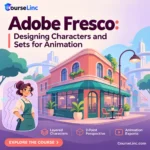
Adobe Fresco: Designing Characters and Sets for Animation
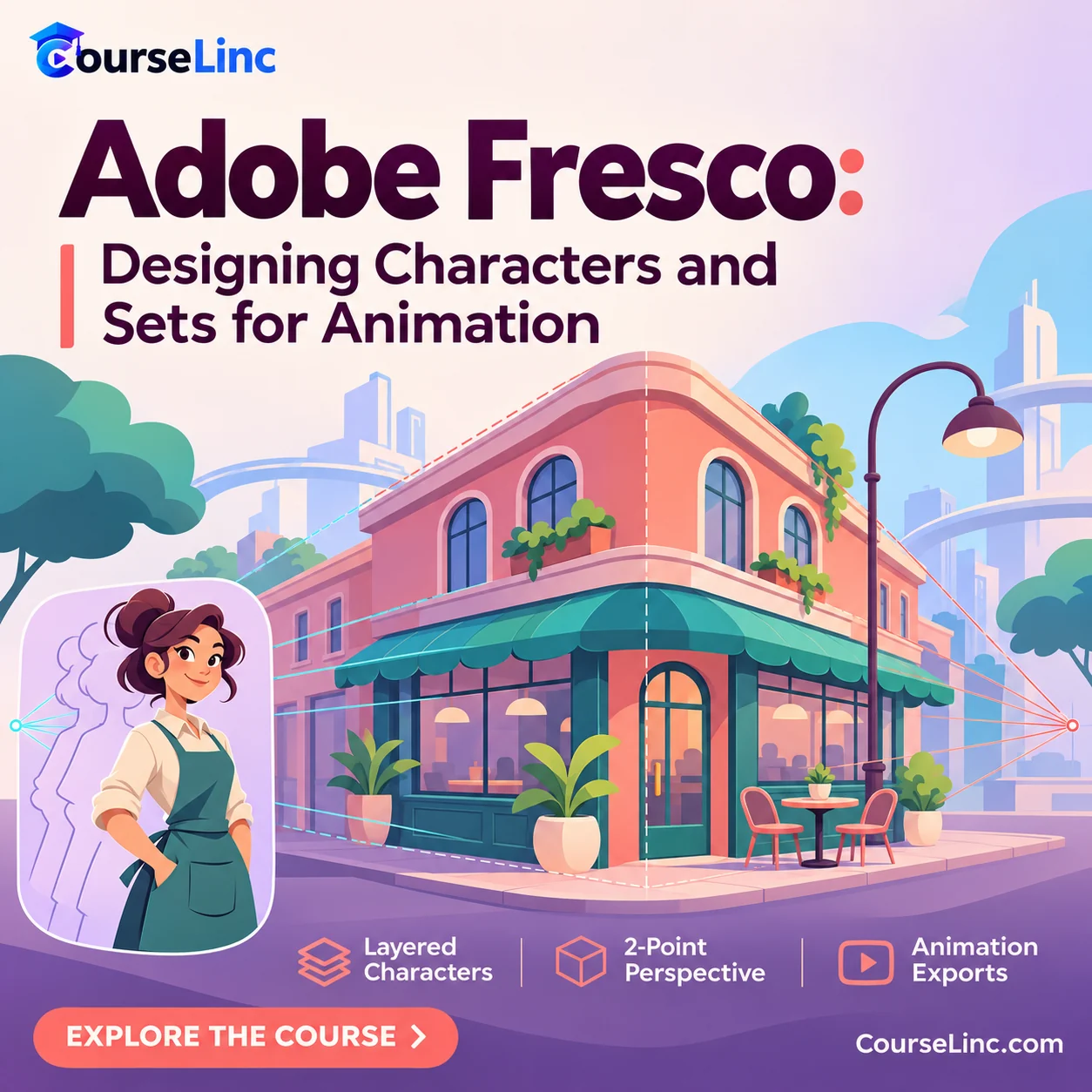
Design characters and animation backgrounds in Adobe Fresco. Explore layered artwork, two-point perspective, sketching, inking and coloring, plus image, PSD, timelapse and image-sequence exports for an animation-focused workflow.
Course Overview
Adobe Fresco
Design the character. Build the world around it.
Learn Adobe Fresco character and set design with an animation workflow in mind. Connect drawing tools, organized layers and two-point perspective as you develop characters and backgrounds, then explore ways to export the work for its next stage.
Adobe Fresco: 6 design skills
Connect character artwork, background construction and export choices through these related areas of the course.
Tools & features
Explore the drawing tools and features that support character and background design, then apply them within an animation-focused workflow.
Layered characters
Design characters with an organized layer structure, keeping the artwork’s intended use in an animation application in mind.
Two-point perspective
Use a two-point perspective grid to establish the space for a background and guide the structure of the scene.
Sketch, ink & color
Develop an animation background through sketching, inking and coloring, carrying the perspective setup into the finished artwork.
Still images & PSD
Export images and PSD artwork, choosing an output that supports the next stage of your design and animation workflow.
Timelapse & image sequences
Explore timelapse capture of the drawing process and image-sequence exports for frame-by-frame animated artwork as separate outputs.
Draw with the next stage in mind
Keep the artwork and the workflow connected
This Adobe Fresco course links visual design with preparation for animation. Consider the character’s layer structure while drawing, and carry the background from perspective-guided sketch to inked and colored scene.
Explore the course details
Design workflow & animation handoff
Explore tools and features, design a layered character, then sketch, ink and color an animation background using a two-point perspective grid.
The course prepares character artwork for intended use in Adobe Animate, After Effects, Character Animator and Moho. Plan the layer organization and export around the destination application’s workflow.
Export options & different output purposes
- Images and PSD artwork for sharing or further work.
- Timelapse video to capture the artwork’s creation process.
- PNG image sequences for frame-by-frame motion output.